

Bookings & Room Assignment
Manage reservations, arrivals, departures, physical room assignment, on-site payments and wallet refunds.
The Bookings screen is the nerve centre for front desk staff and managers. It displays live guest reservations, check-in and check-out dates, room assignment, payment verification, and automated invoice generation.
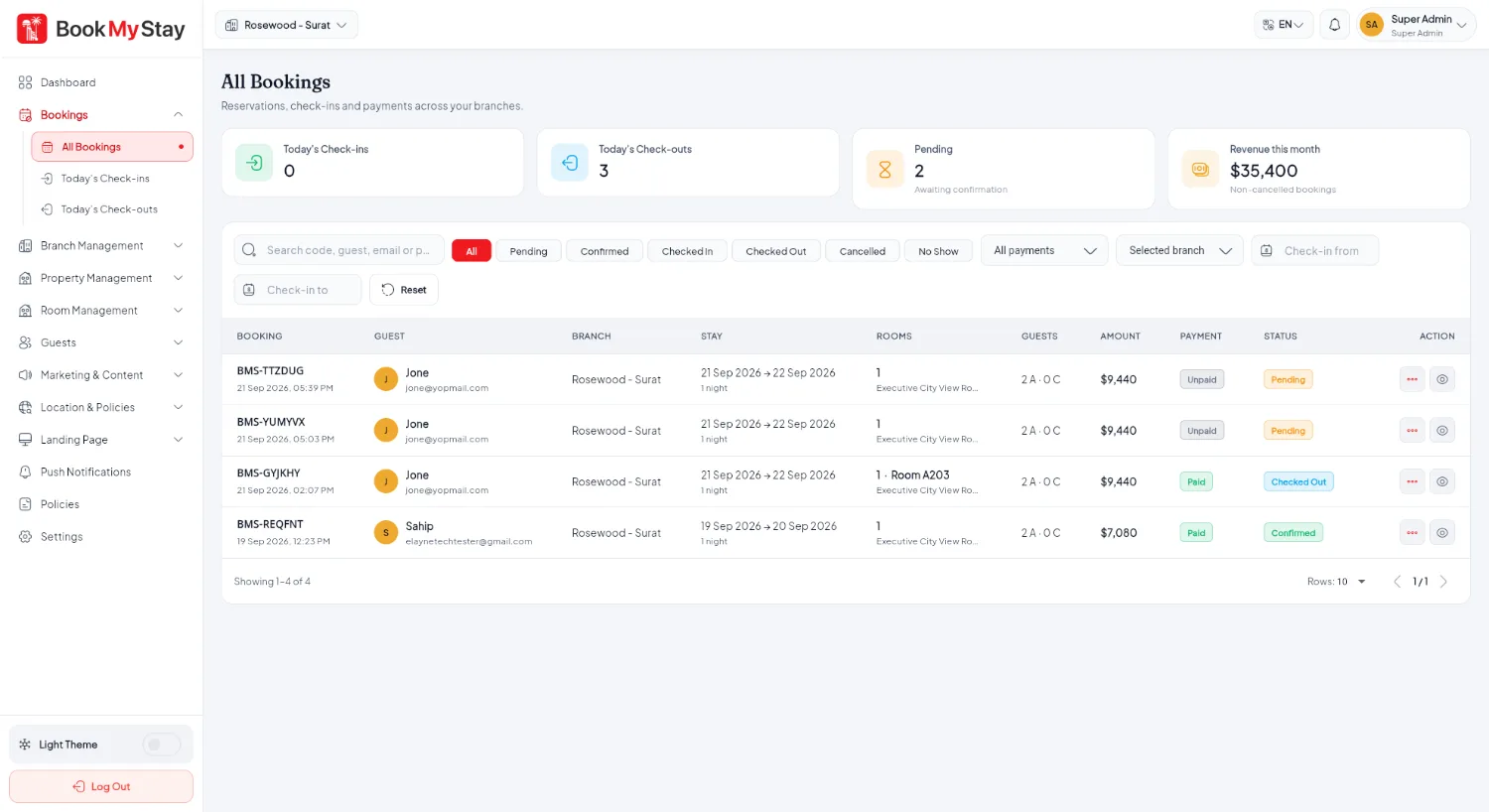
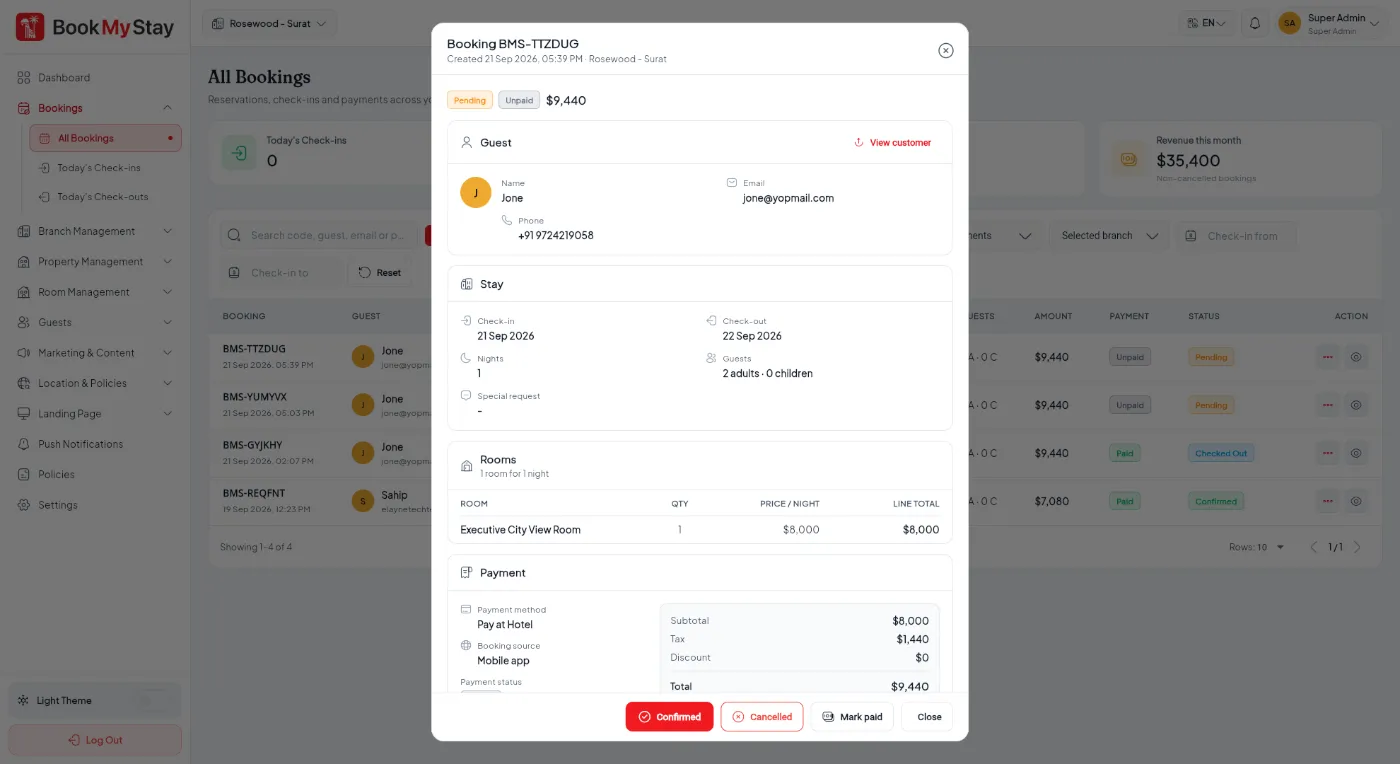
Booking details & room allocation#
Clicking any reservation opens the full Booking Details view with guest details, payment status, coupon applied, and room allocation:
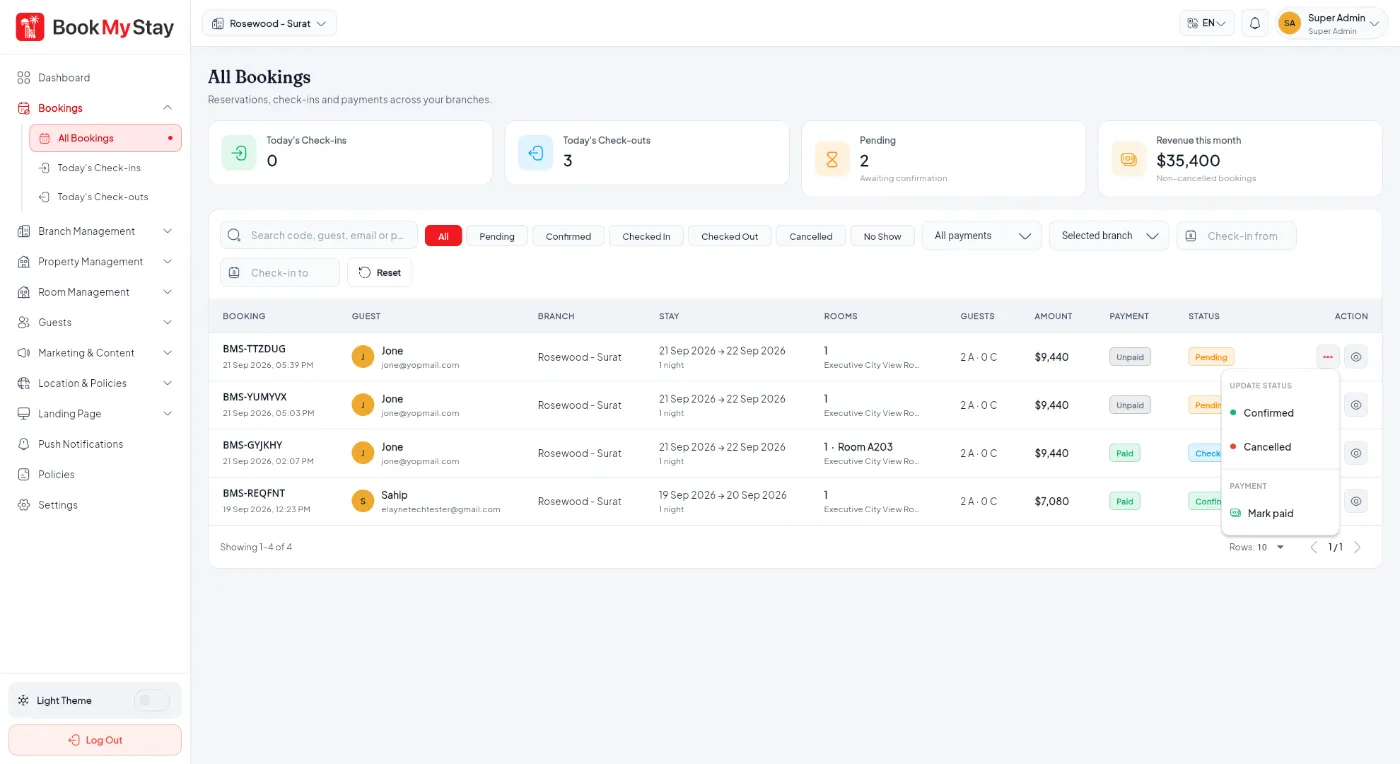
Check-in, Check-out & Status Updates#
When a guest arrives at the hotel, front desk staff click Update Status:
- Check In: Select physical room number from the available inventory and mark checked in. The room status automatically turns Occupied.
- Record Payment: For Pay at Hotel bookings, front desk records cash or card taken at reception. Once the full bill is covered, Cloud Functions mark the booking Paid.
- Check Out: On departure, clicking Check Out releases the physical room back to Maintenance / Housekeeping for turnover.

Refunds to Guest Wallet#
If a guest cancels or requires a partial/full refund, staff can trigger Refund to Wallet. The Cloud Function verifies the booking transaction server-side and immediately credits the guest's in-app wallet balance, without payment gateway refund fees or delay.