

Create the Super Admin
The first account that signs in to the Admin Panel automatically claims the Super Admin role.
BookMyStay uses a secure, automatic first-claim mechanism. You do not need to insert records into Firestore manually.
1. Run the Admin Panel#
Navigate to admin_panel/ and launch the Flutter Web dev server:
cd admin_panel
flutter pub get
flutter run -d chrome
2. Sign in to claim owner account#
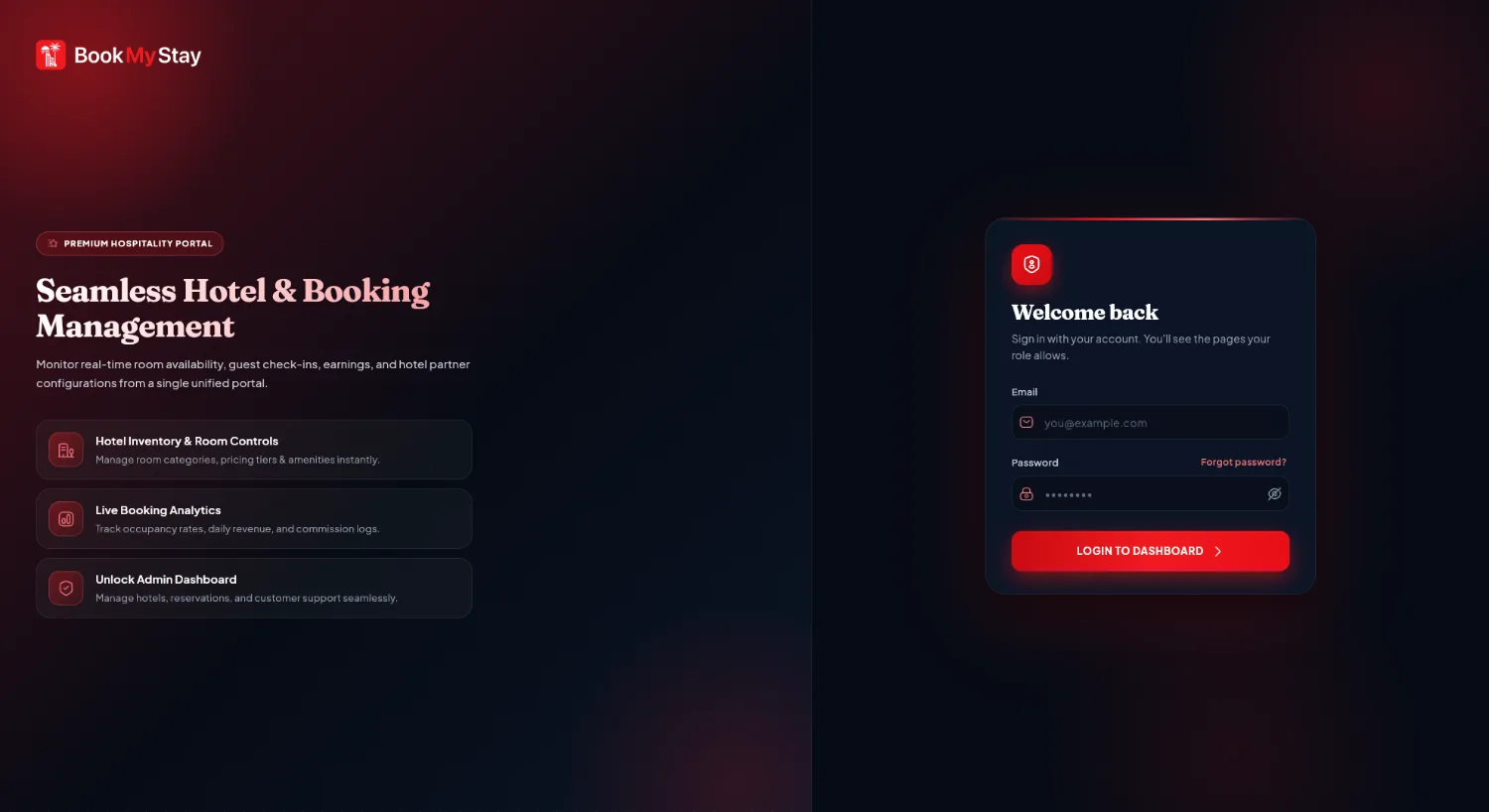
When the login page appears in Chrome, type the email address and password you wish to use as your Super Admin owner credentials, then click Sign In.
How first-claim works
The login page invokes the Cloud Function claimFirstSuperAdmin. If no Super Admin exists in the database, your account is immediately granted full ownership permissions across all branches. After this first account is created, the login page will never create new accounts; additional staff must be invited from Branch Management → Managers & Staff.