Step 3 · Admin Panel Setup › Geographic Setup
Countries & Cities
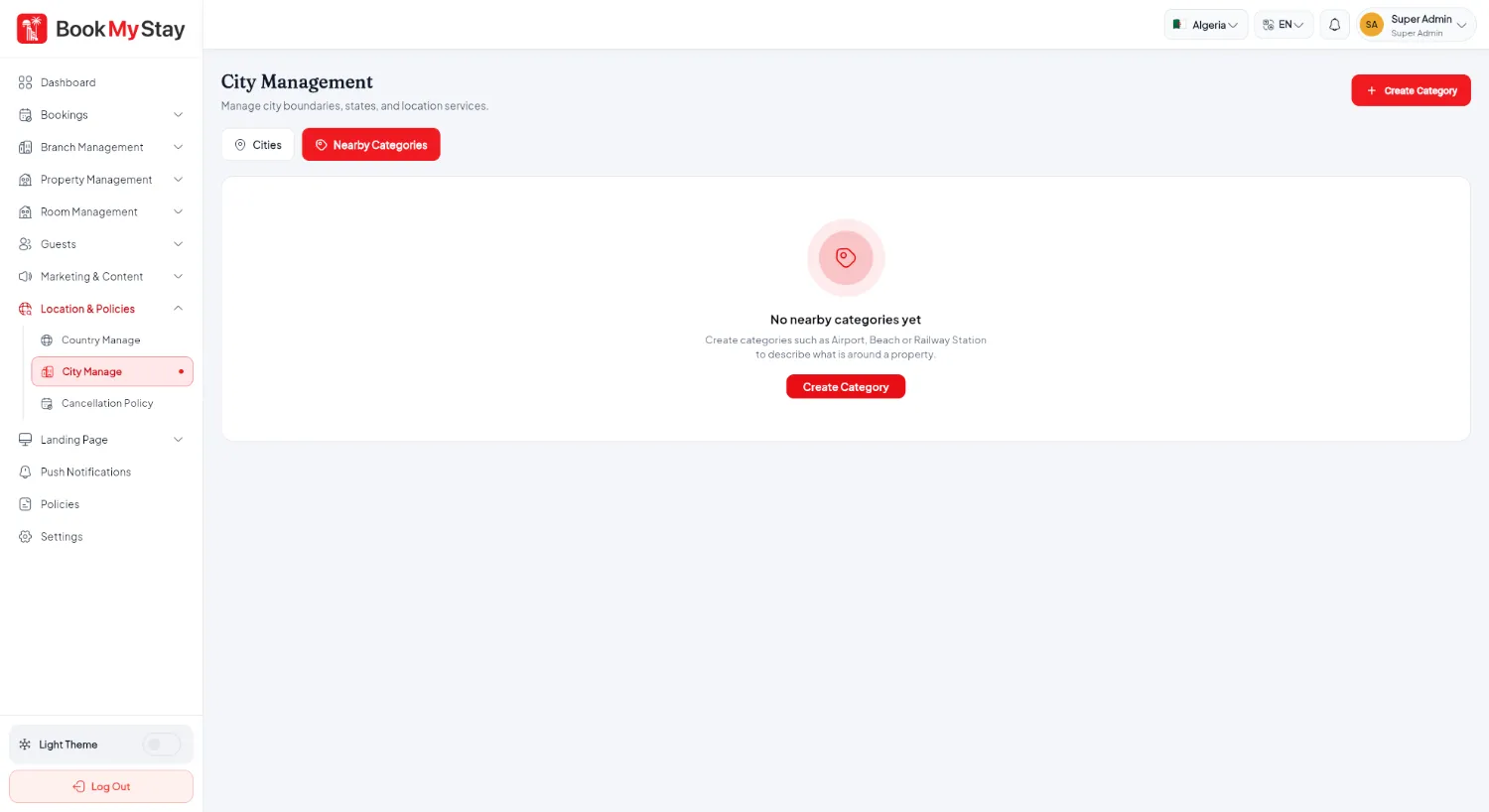
Manage supported nations, tourist destinations, and nearby attraction categories.
Geographic Data Destinations
BookMyStay organizes hotel properties by Country and City. Setting up your geographic data allows guests to search for stays by destination and discover nearby attractions.
Countries#
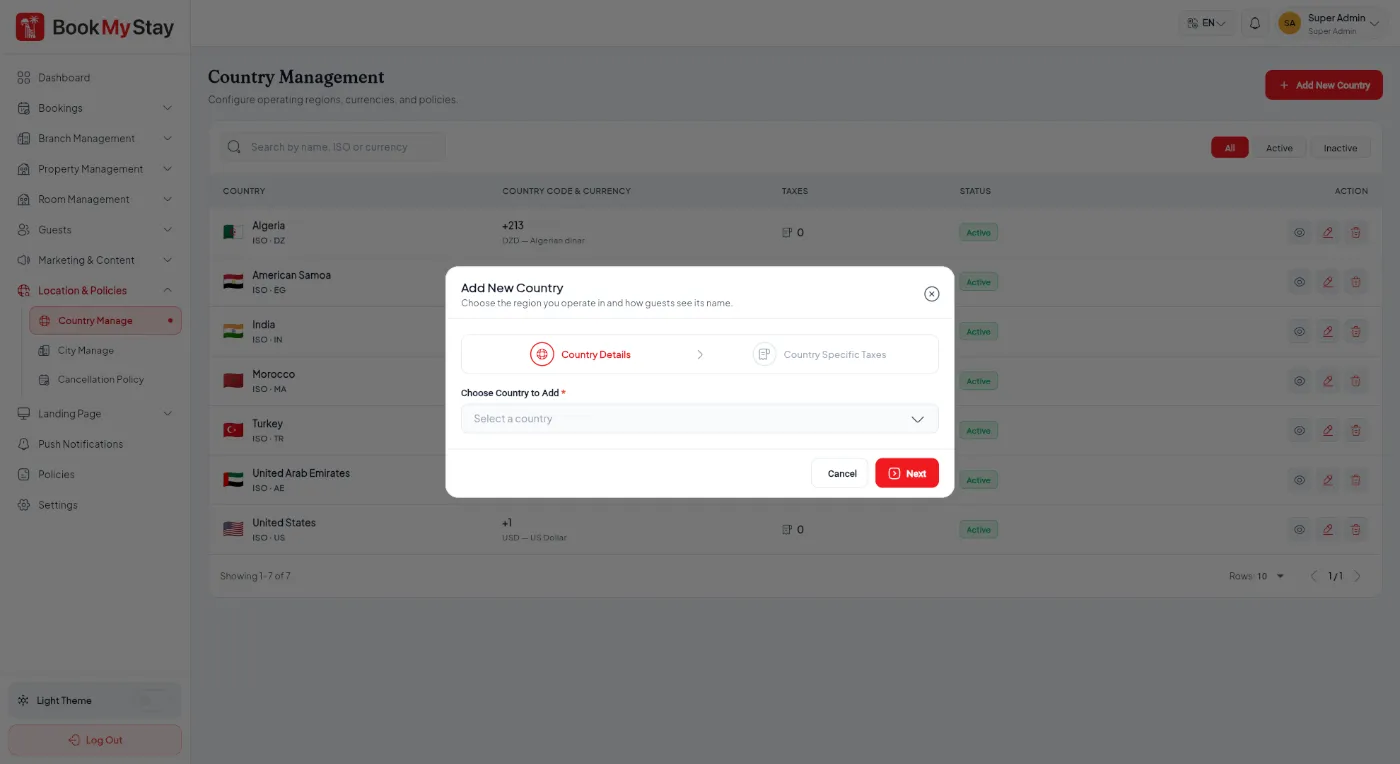
Under Geographic Setup → Countries, manage active countries:
Cities & Tourist Hubs#
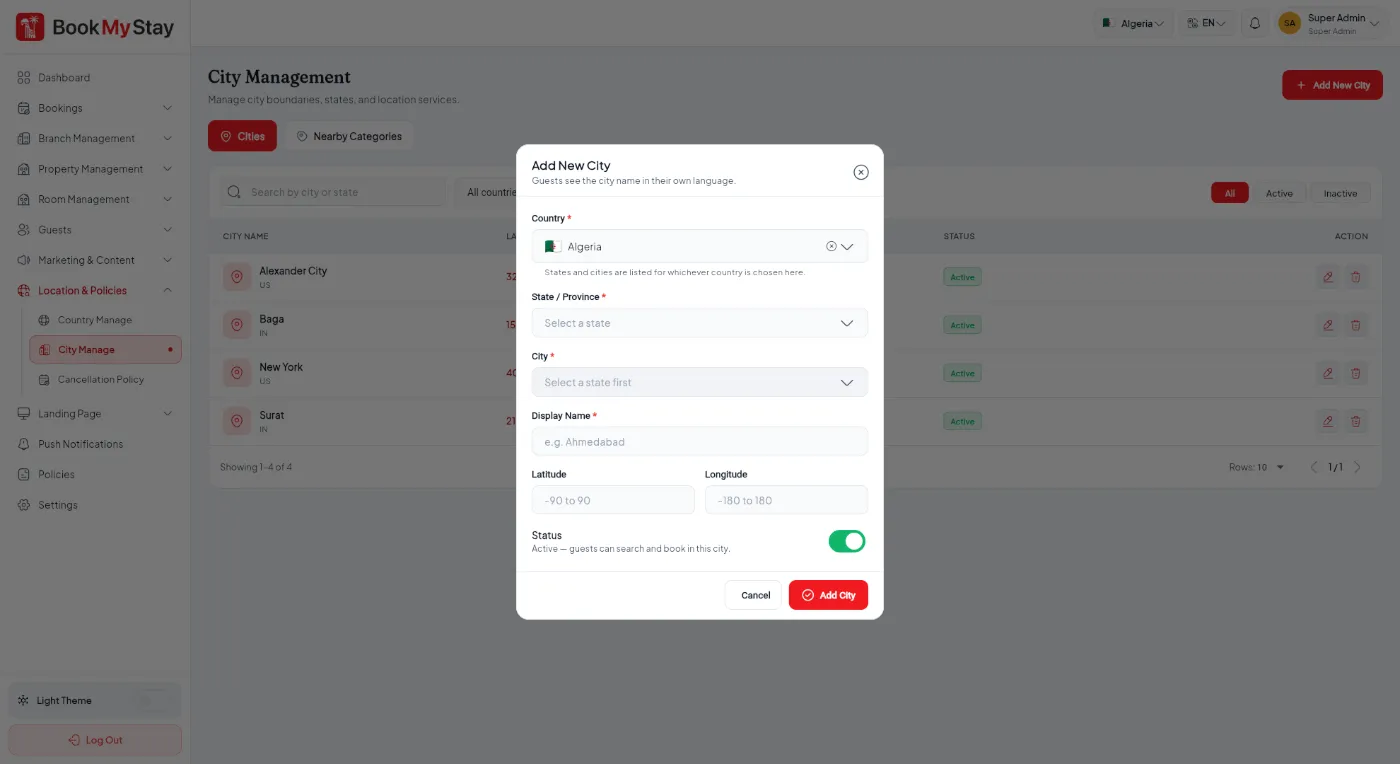
Under Geographic Setup → Cities, add the destinations where your hotel branches operate. Upload attractive city thumbnail photos that appear on the homepage destination carousel.