

Run the Setup Tool
One local browser tool deploys Firestore security rules, Storage rules, the starter hotel data and Cloud Functions in minutes.
Have these ready before starting
- The Service Account Key (
.jsonfile) downloaded from Service Account Key. - Node.js 22 LTS installed on your computer.
- Your Firebase project on the Blaze plan, with Firestore and Storage enabled in
nam5 / us-central1.
Where the tool lives#
The setup tool is located inside the firebase_setup/ folder in the root of the BookMyStay download:
BookMyStay/
├── admin_panel/        Admin panel (Flutter web)
├── customer/           Customer app + customer website
├── functions/          Cloud Functions (Node.js 22)
└── firebase_setup/     ← the setup tool
    ├── start.bat       Windows: double-click this
    ├── start.sh        macOS / Linux: run this in terminal
    ├── database.json   Starter data (branches, room types, amenities, templates)
    ├── firestore.rules, storage.rules
    └── server.js, index.html
Starting the tool#
- Open the
BookMyStayfolder, then go intofirebase_setup. - Double-click
start.bat. - A terminal window opens and automatically launches your browser at
http://localhost:5050.
Open Terminal, navigate to firebase_setup/ and run start.sh:
cd /path/to/BookMyStay/firebase_setup
chmod +x start.sh
./start.sh
Your default browser opens the setup tool at http://localhost:5050.
Deploying the backend#
1. Choose your service account key#
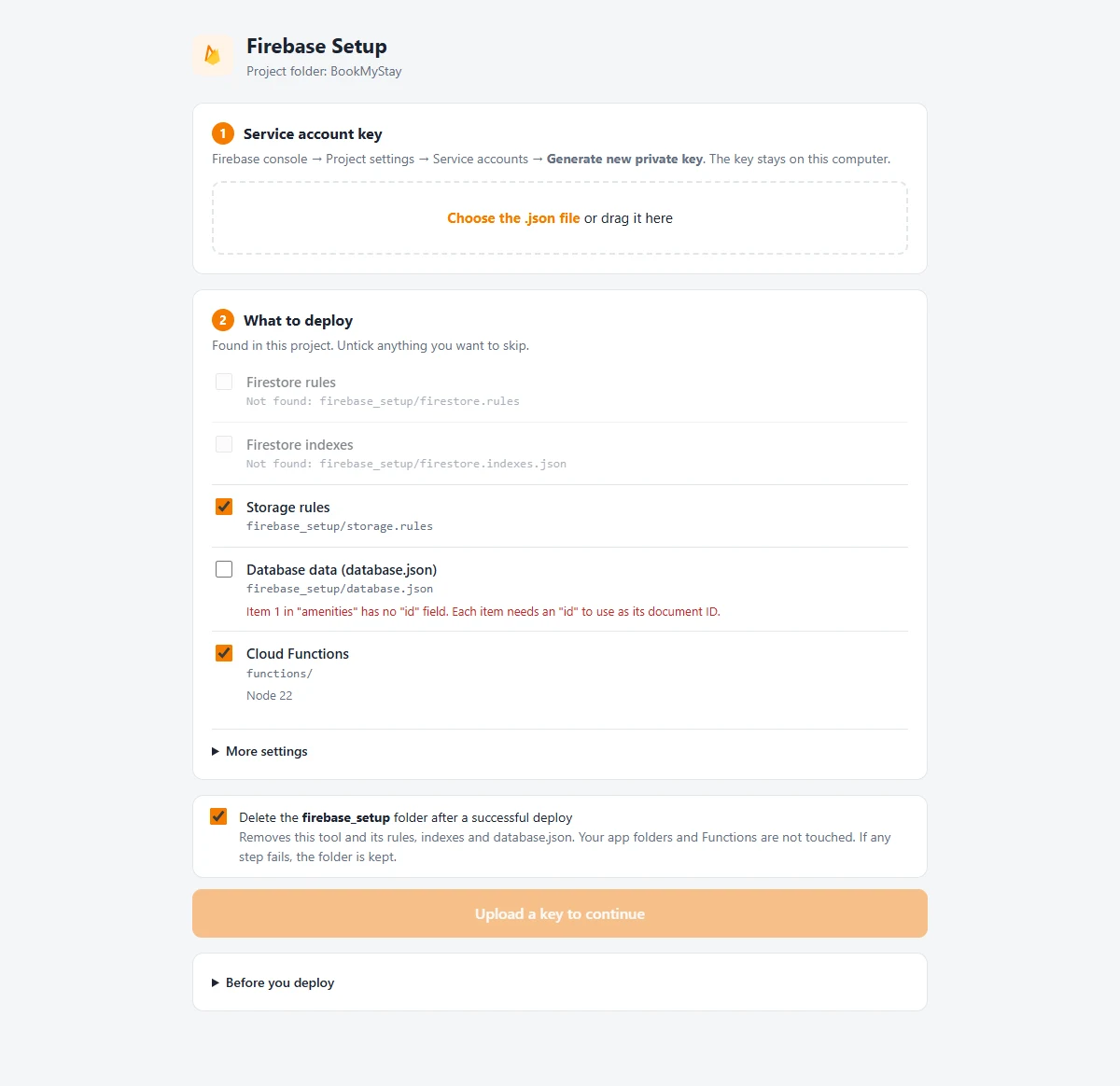
Click Choose the .json file and select the private key downloaded from Firebase Console. The tool immediately validates permissions and displays your project ID.
2. Review components & deploy#
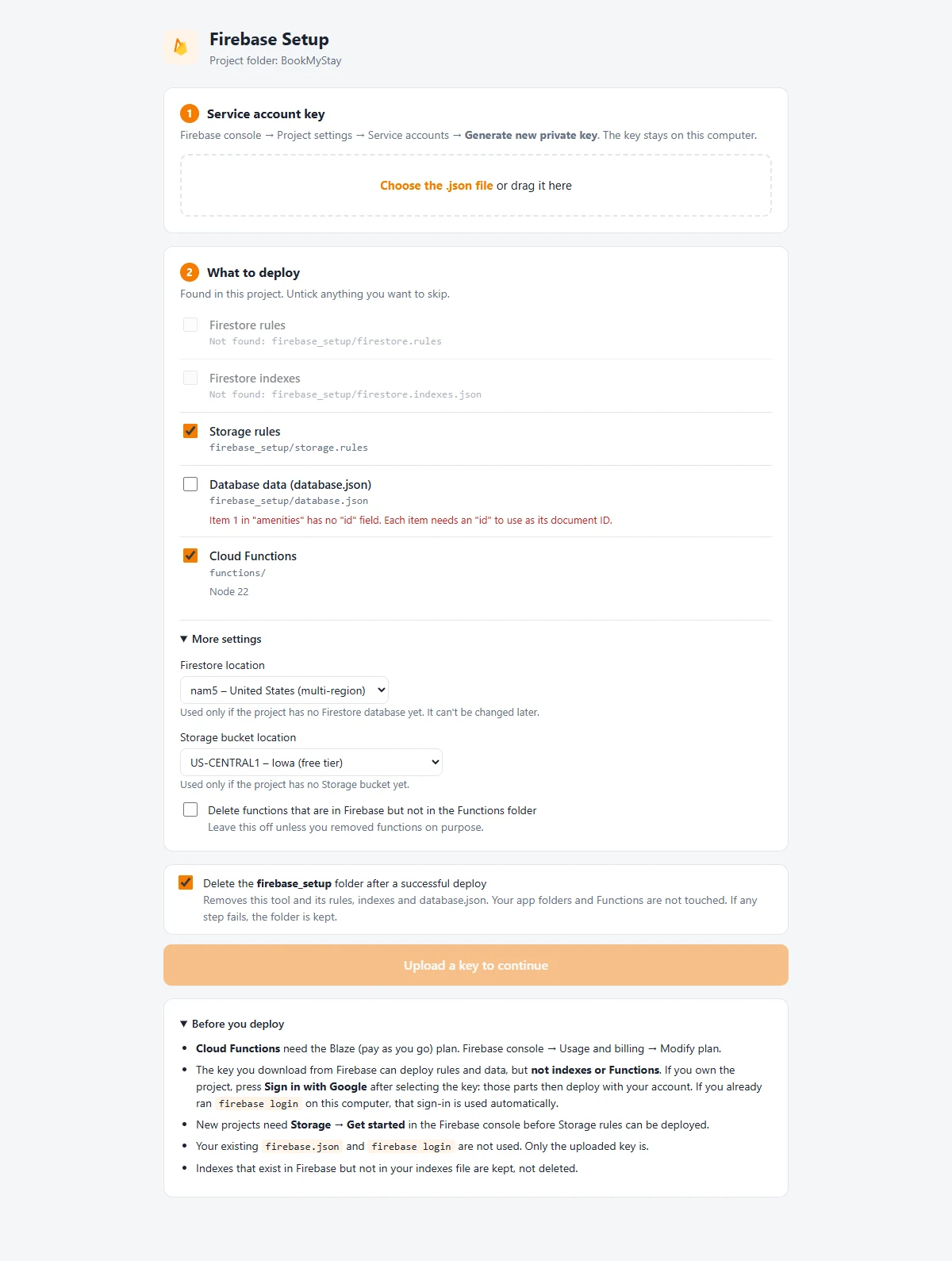
All required components are selected by default:
- Firestore Security Rules: Role-based access rules.
- Cloud Storage Security Rules: File access controls.
- Starter Database: Default countries, currencies, amenities, room types, email templates.
- Cloud Functions: Deploys all Node.js backend functions directly to Firebase.
Deployment Complete
Once all checkmarks turn green, your Firebase backend is fully live and initialized. You can now close the browser tab and stop the terminal process.