Feature Walkthroughs › Admin Panel
Room Inventory & Floor Grid
Visual room status calendar, floor-by-floor view, bulk room generator, and instant availability controls.
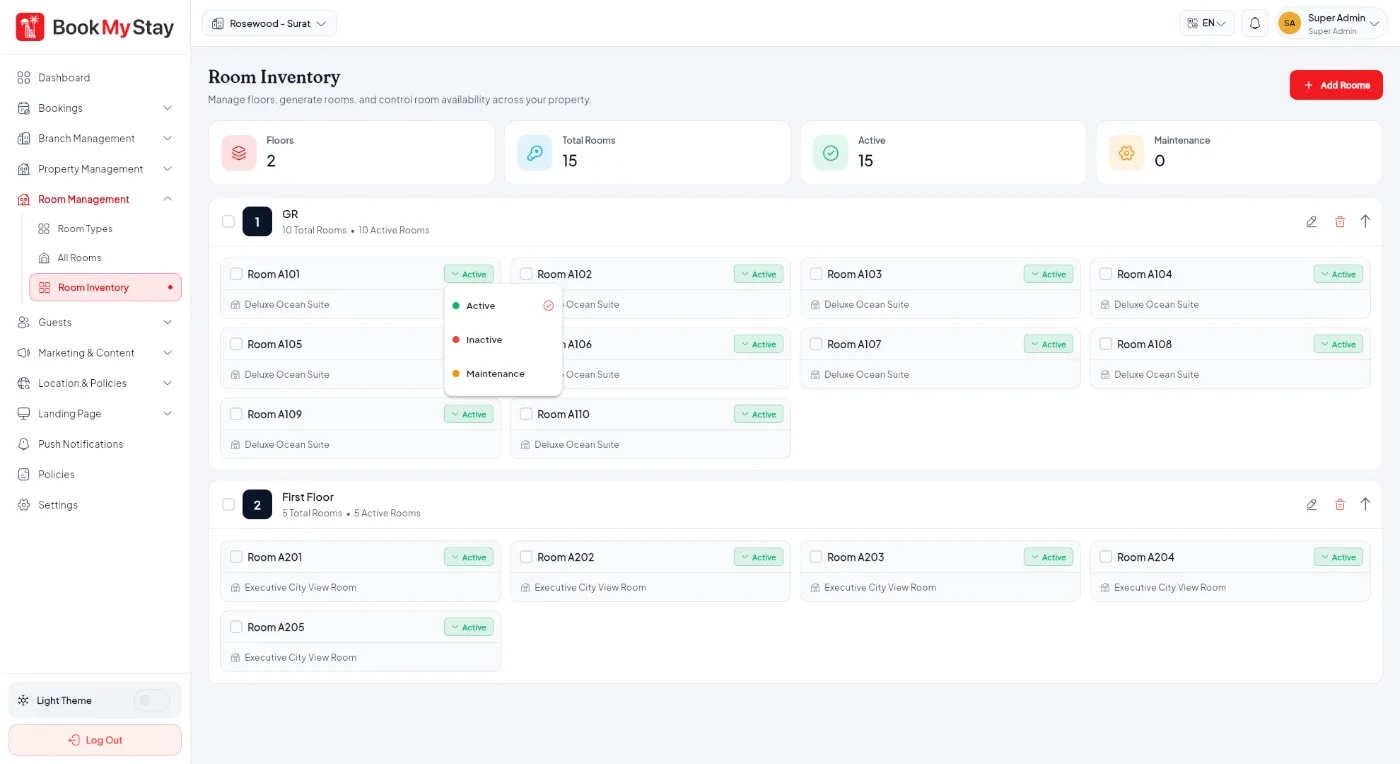
Live Operations Inventory Grid
The Room Inventory screen gives your front desk and management a birds-eye view of every room in the hotel. Organized by floors, staff can immediately see which rooms are Available, Occupied, under Housekeeping/Maintenance, or Blocked.
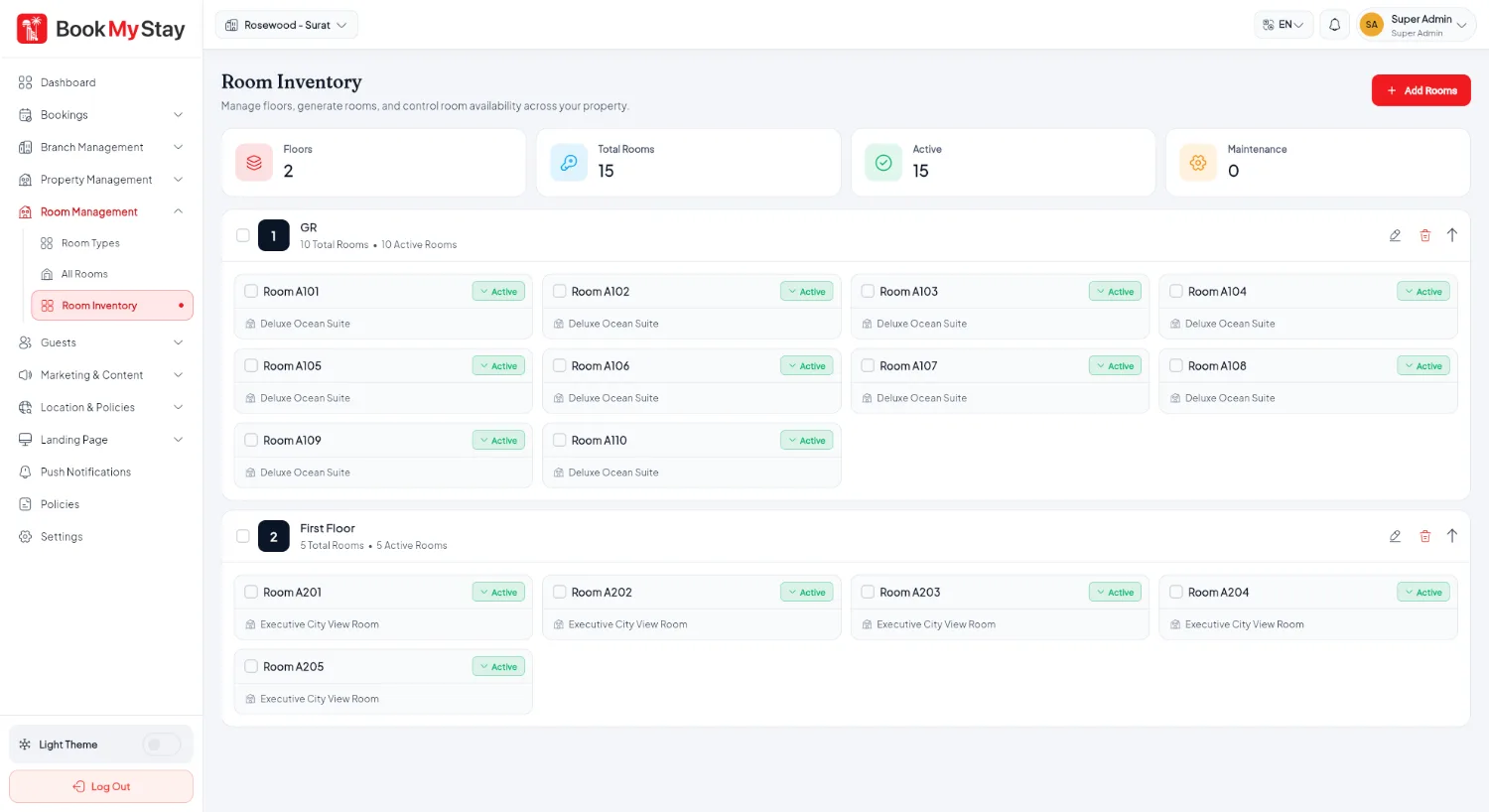
Room status lifecycle#
Each room badge displays real-time operational status with distinct colors:
- Available — Ready for guest assignment and check-in.
- Occupied — Guest currently checked in. Clicking opens the active booking.
- Maintenance — Under housekeeping, cleaning, or repairs. Temporarily removed from online booking.
- Blocked — Held for VIP arrival or management block.
Bulk room creation by floor#
Instead of creating rooms one-by-one, click Add Rooms to generate an entire floor at once:

Floor renaming & status controls#