

Property Types, Amenities & Rules
Configure hotel classifications, amenity badges, and guest stay rules.
Before adding room types and rooms, configure the foundational classifications: Property Types, Amenities (and their categories), and Property Rules. These allow guests on the website and mobile app to filter stays by their preferred lifestyle amenities and stay policies.
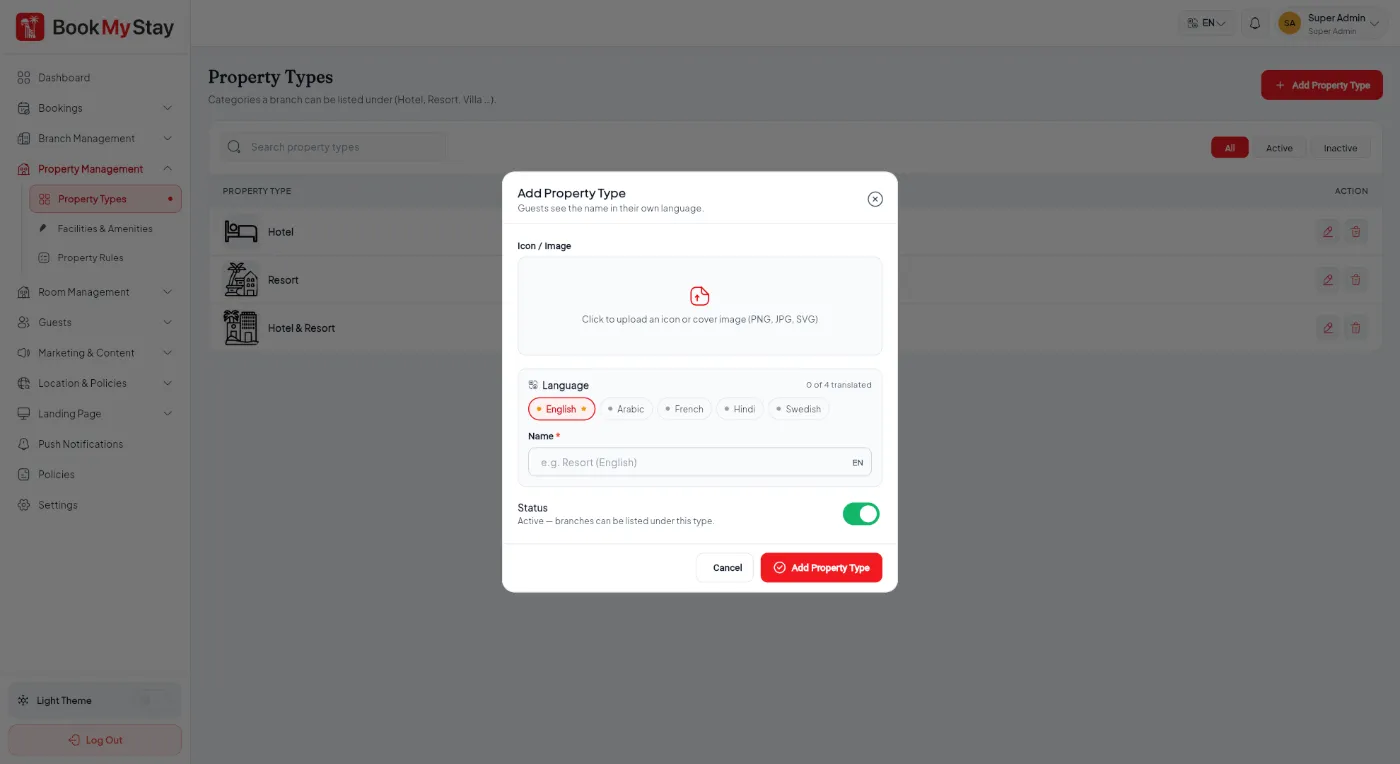
Property Types#
Define the classifications for your stays, such as Luxury Hotel, Boutique Resort, Beachfront Villa, or Executive Apartment.
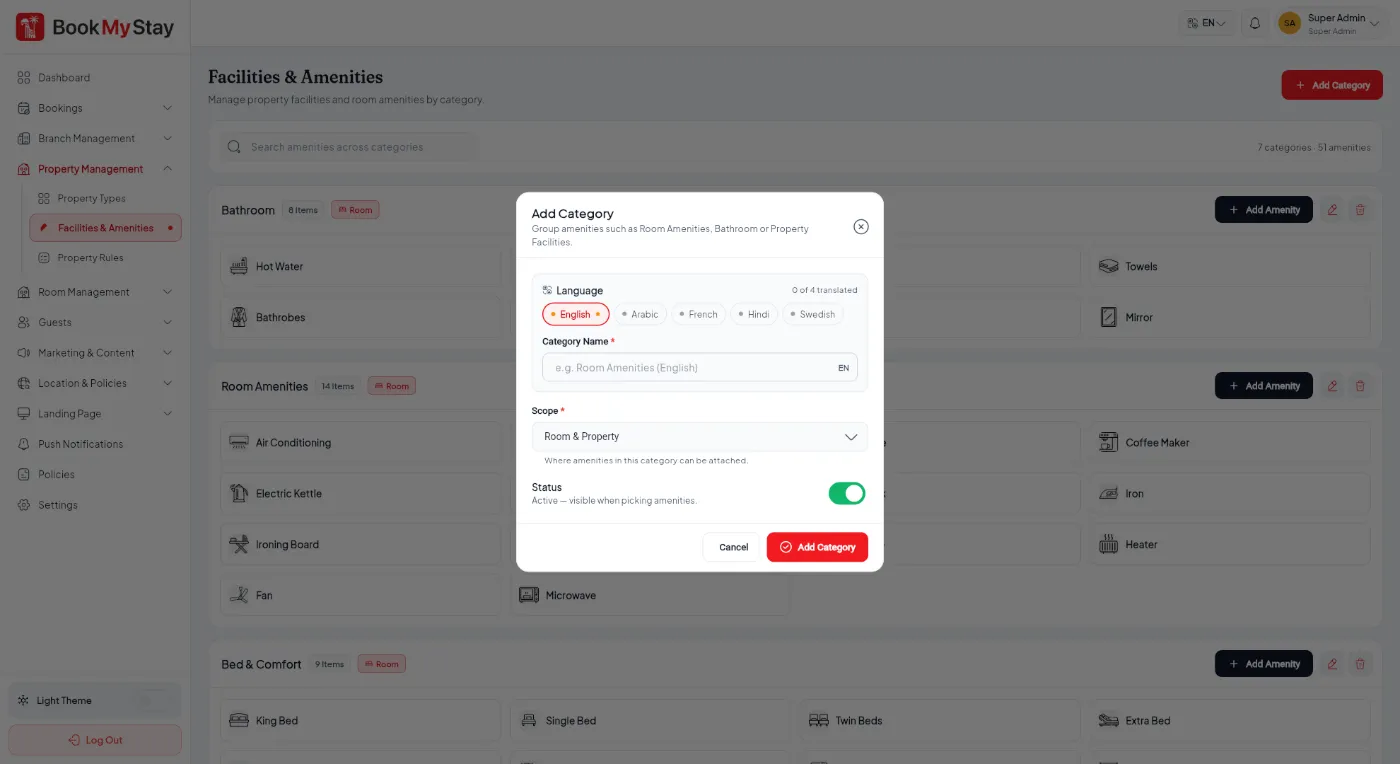
Amenities & Amenity Categories#
Amenities give guests complete clarity on hotel facilities. They are organized into categories for intuitive presentation on property pages.

Property Rules & House Policies#
House rules are clearly communicated to guests prior to confirming a booking. Examples include No Smoking, Pets Not Allowed, Government ID Required at Check-in, or Quiet Hours 10 PM - 7 AM.
