Guests, Reviews & Inquiries
Manage registered guests, monitor in-app wallets, respond to reviews and answer customer inquiries.
The Guests section provides a complete customer relationship management (CRM) view of your clientele, including their verified profiles, booking history, wallet transaction logs, submitted ratings, and support messages.
Guest profiles & wallet balances#
Under Guests → All Guests, view all registered customer accounts. For any guest, managers can inspect:
- Full booking history (Upcoming, Completed, Cancelled).
- In-app Wallet balance and credit/debit transaction log (top-ups, booking debits, cancellation refunds).
- Saved phone number and verified email address.
Guest reviews & ratings#
Only guests with a Completed stay can submit a review and 1-to-5 star rating. In Guests → Guest Reviews, management can read feedback and submit an official property reply that appears directly on the mobile app and website.
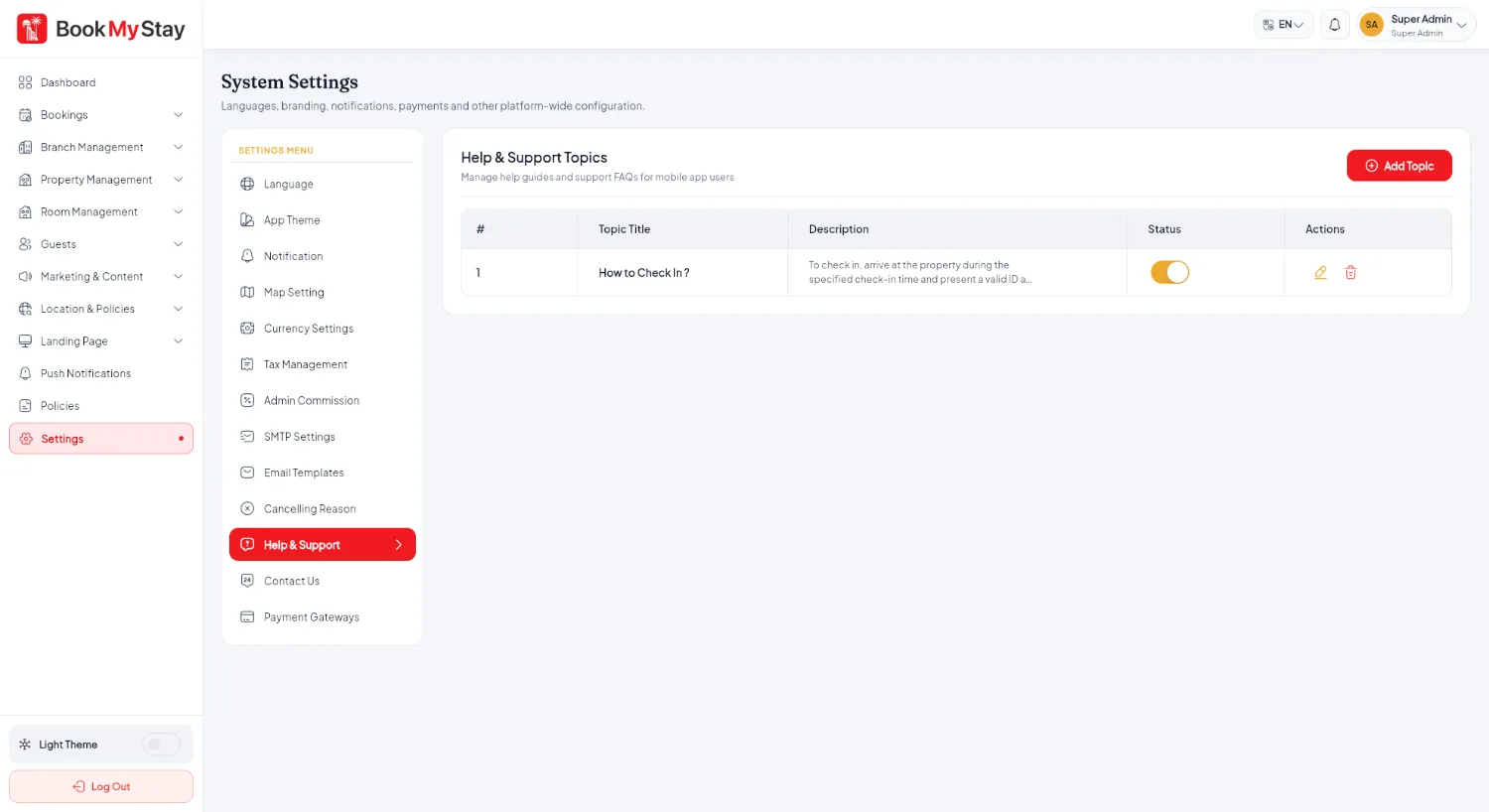
Customer inquiries & help topics#
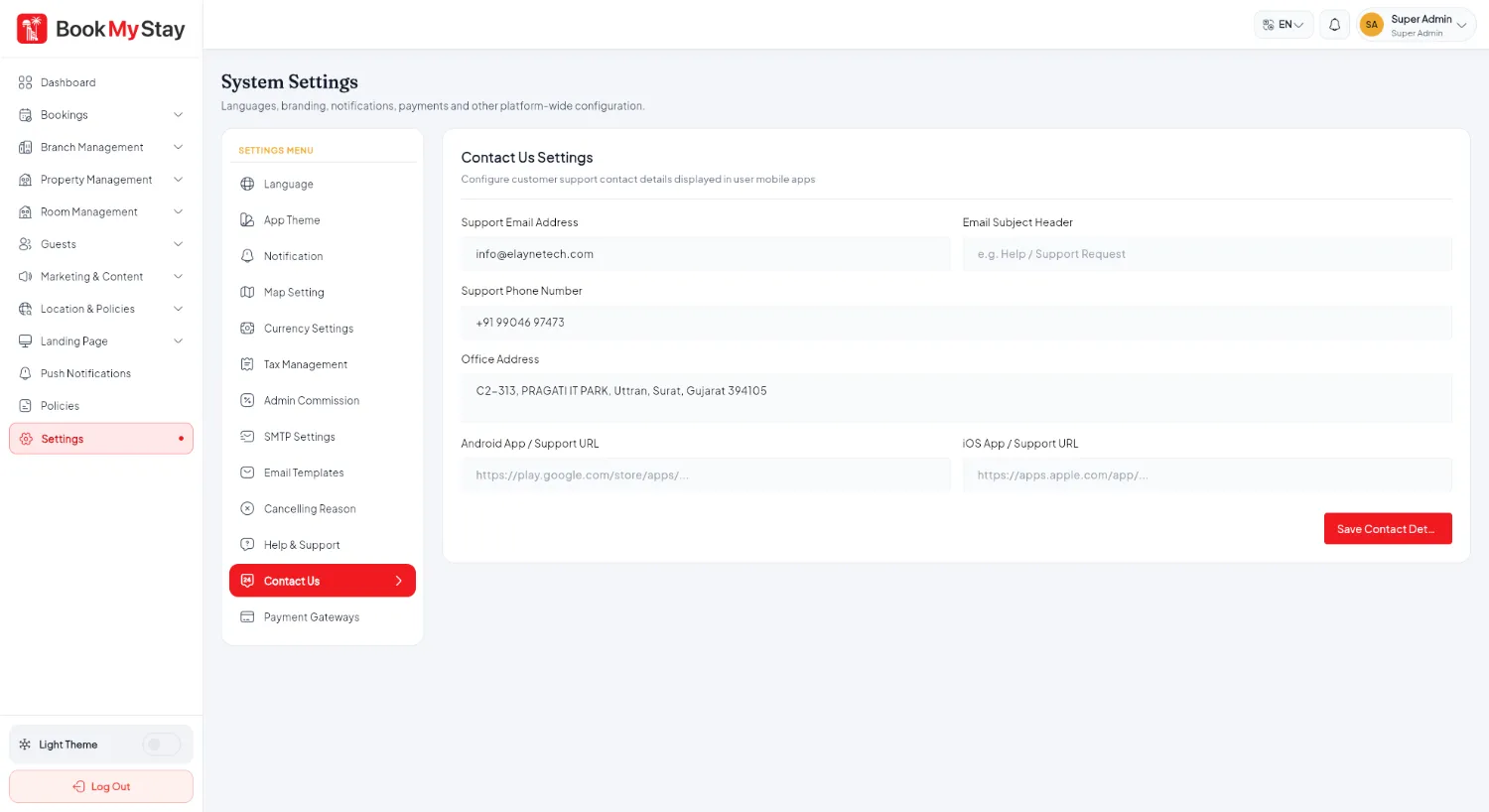
Messages submitted through the public website's Contact Us form arrive directly in Guests → Customer Inquiries. Staff can mark them resolved and reply to guests directly via email.