Step 3 · Admin Panel Setup › Hotel Operations
Room Types & Rooms
Create room classifications, pricing, bed configurations and individual physical room numbers.
Room Inventory Pricing & Capacity
In BookMyStay, room management is separated into two clean layers:
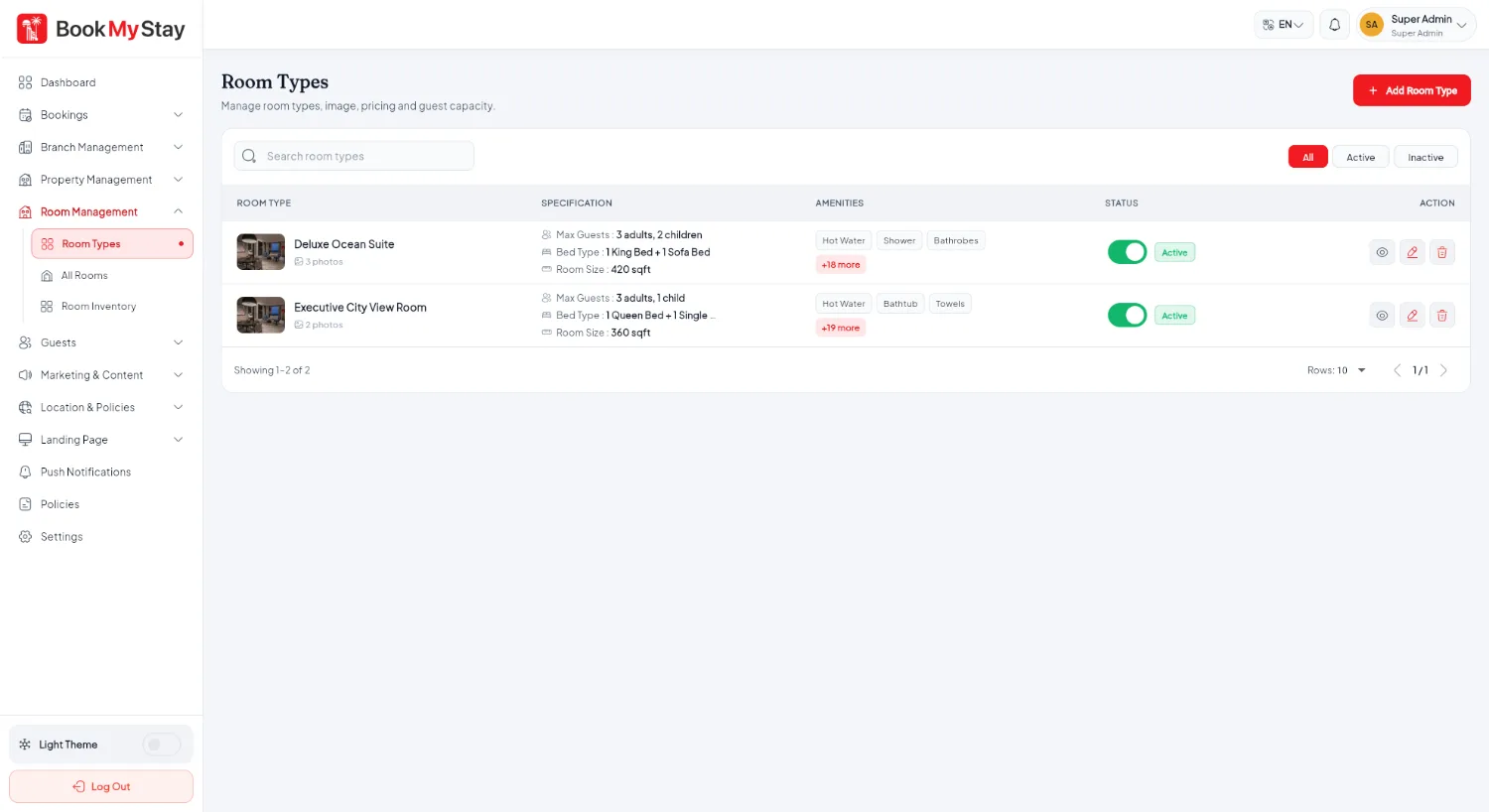
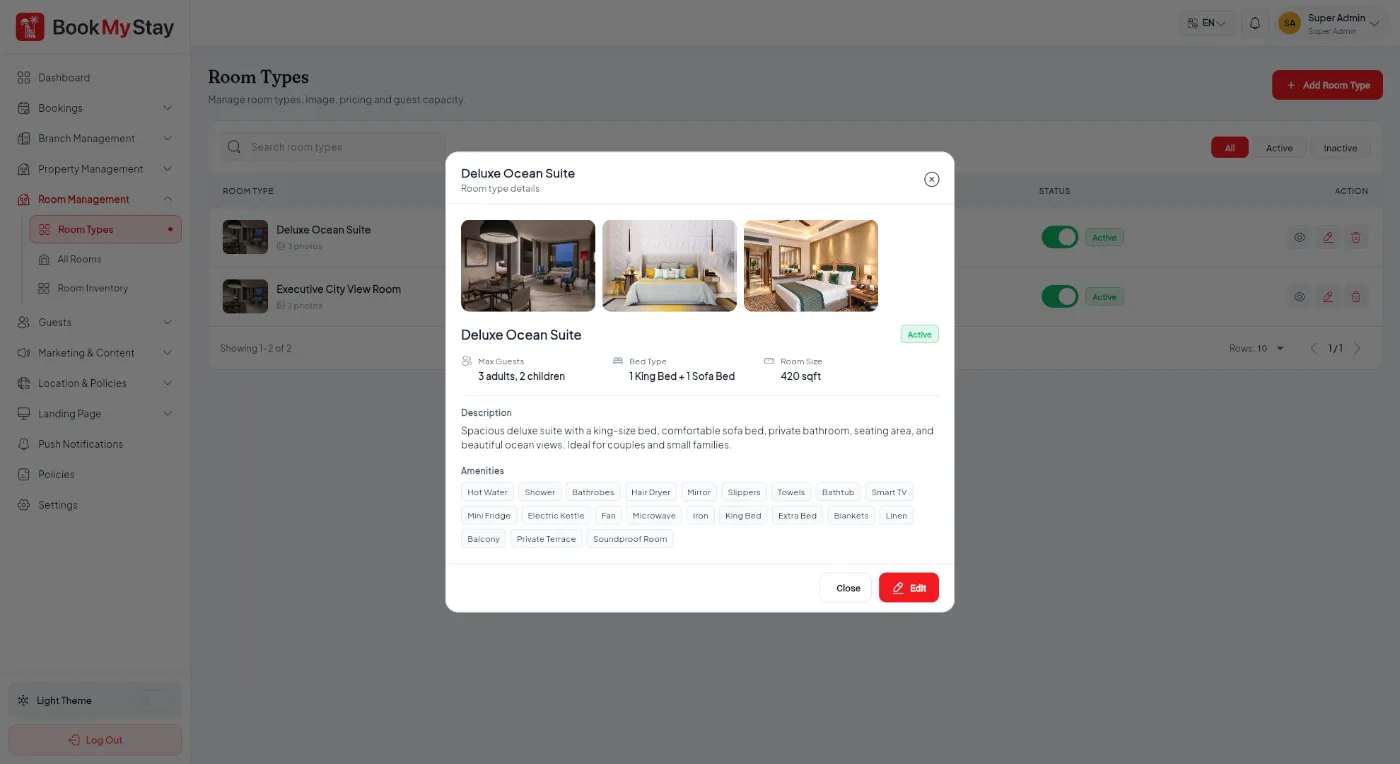
- Room Types: The bookable categories that guests browse and purchase (e.g. Deluxe Ocean Suite, Standard King Room). This holds base pricing, guest capacity, bed configurations and photos.
- Physical Rooms: The individual physical doors in the hotel (e.g. Room 101, Room 102) linked to a specific floor and Room Type.
Room Types management#
Navigate to Room Management → Room Types to view all room classes across your hotel branches.
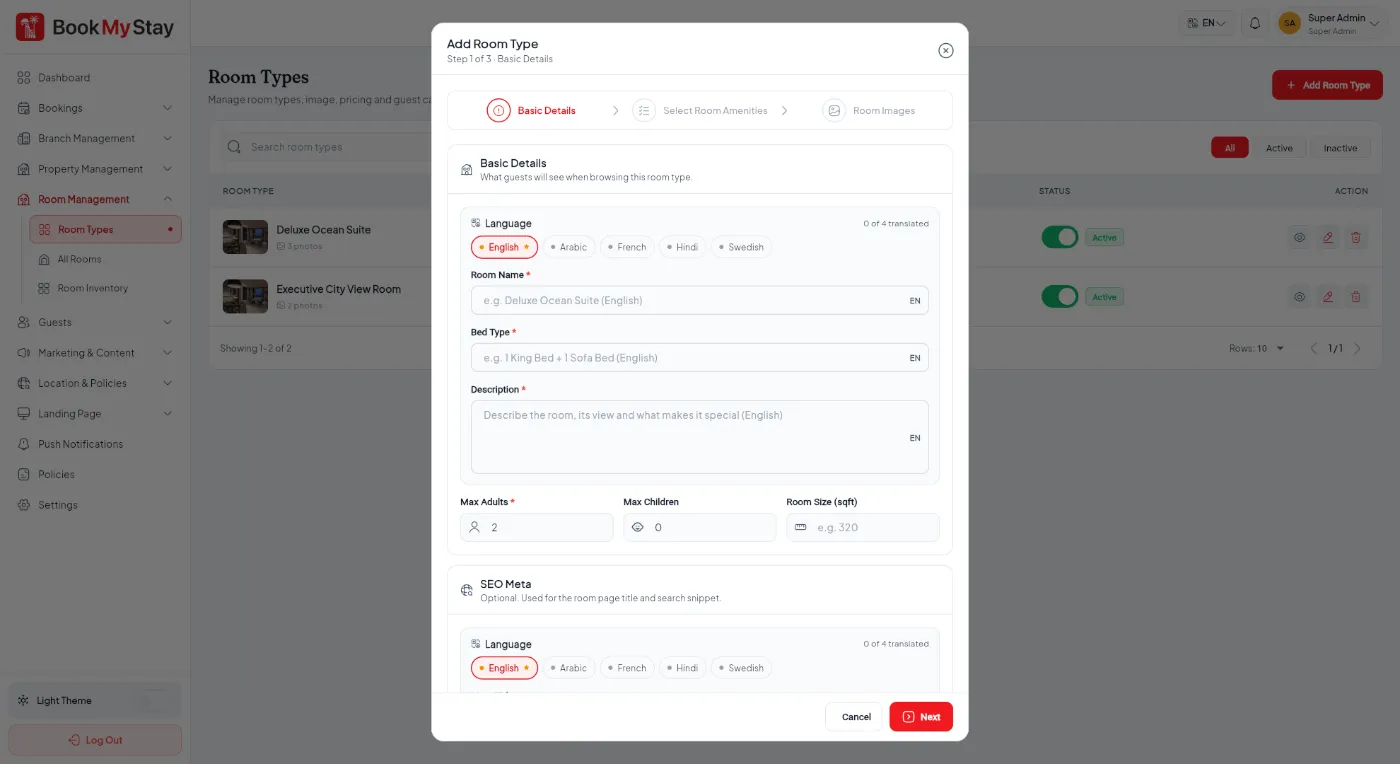
Creating a Room Type#
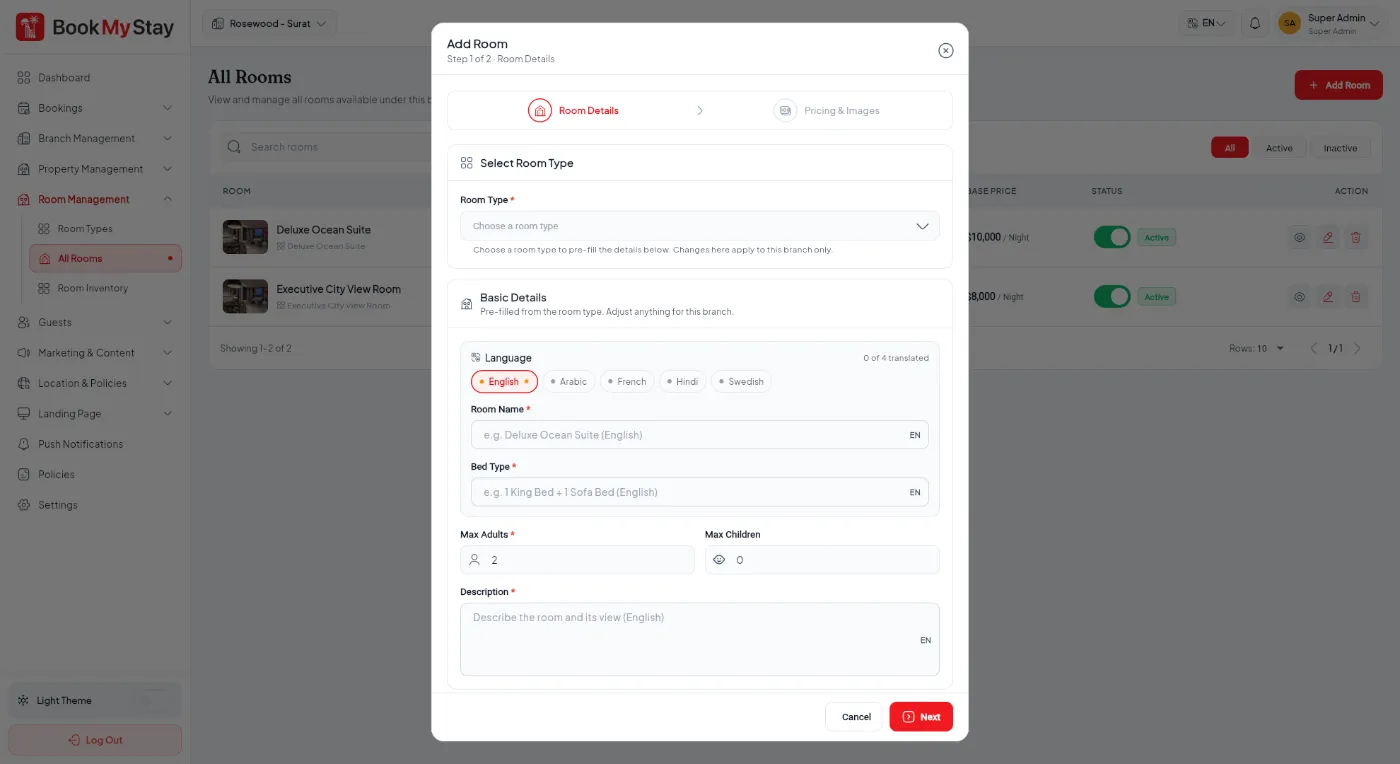
Click Add Room Type to configure a room category:
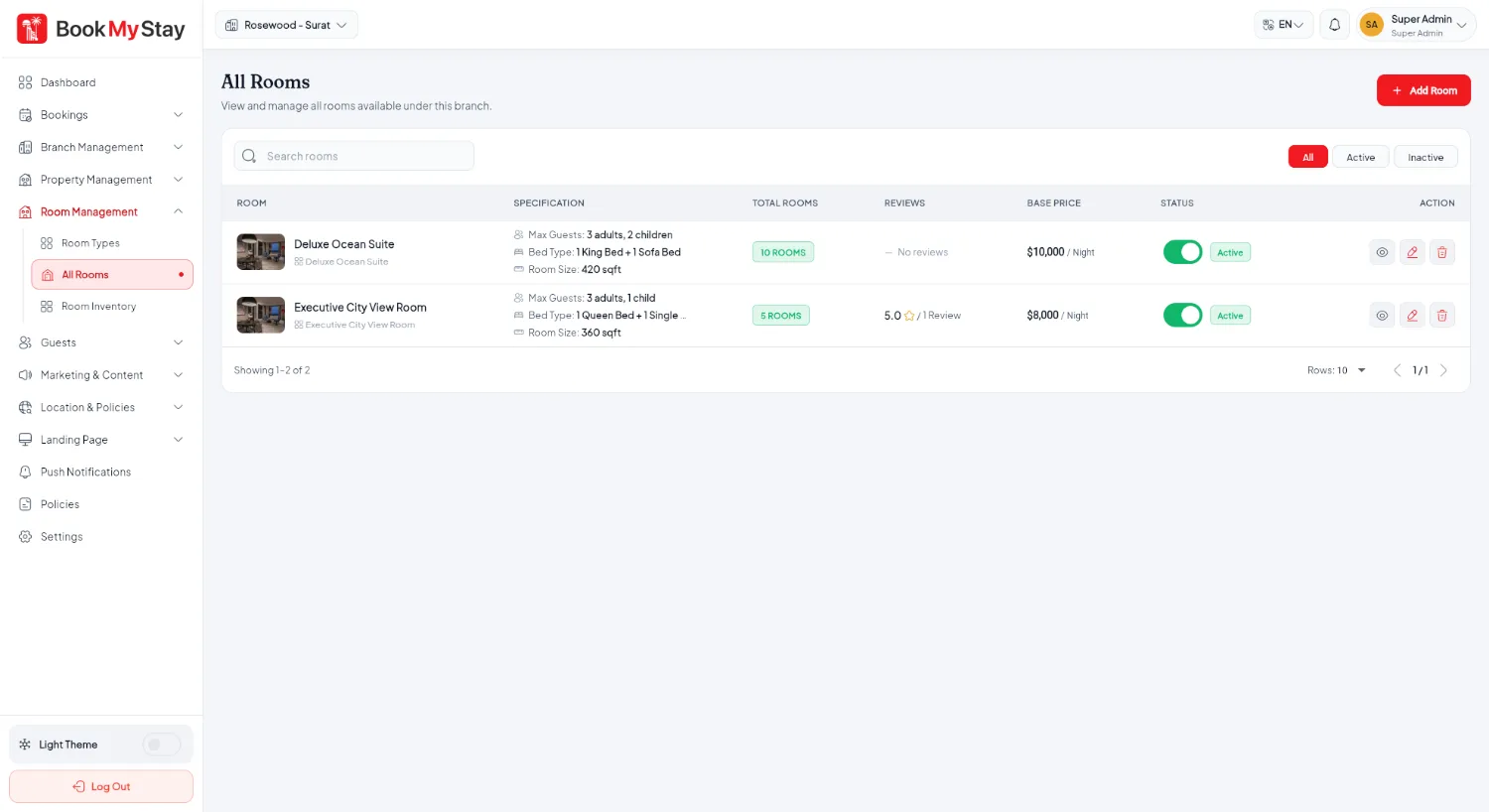
Physical Rooms & Room Numbers#
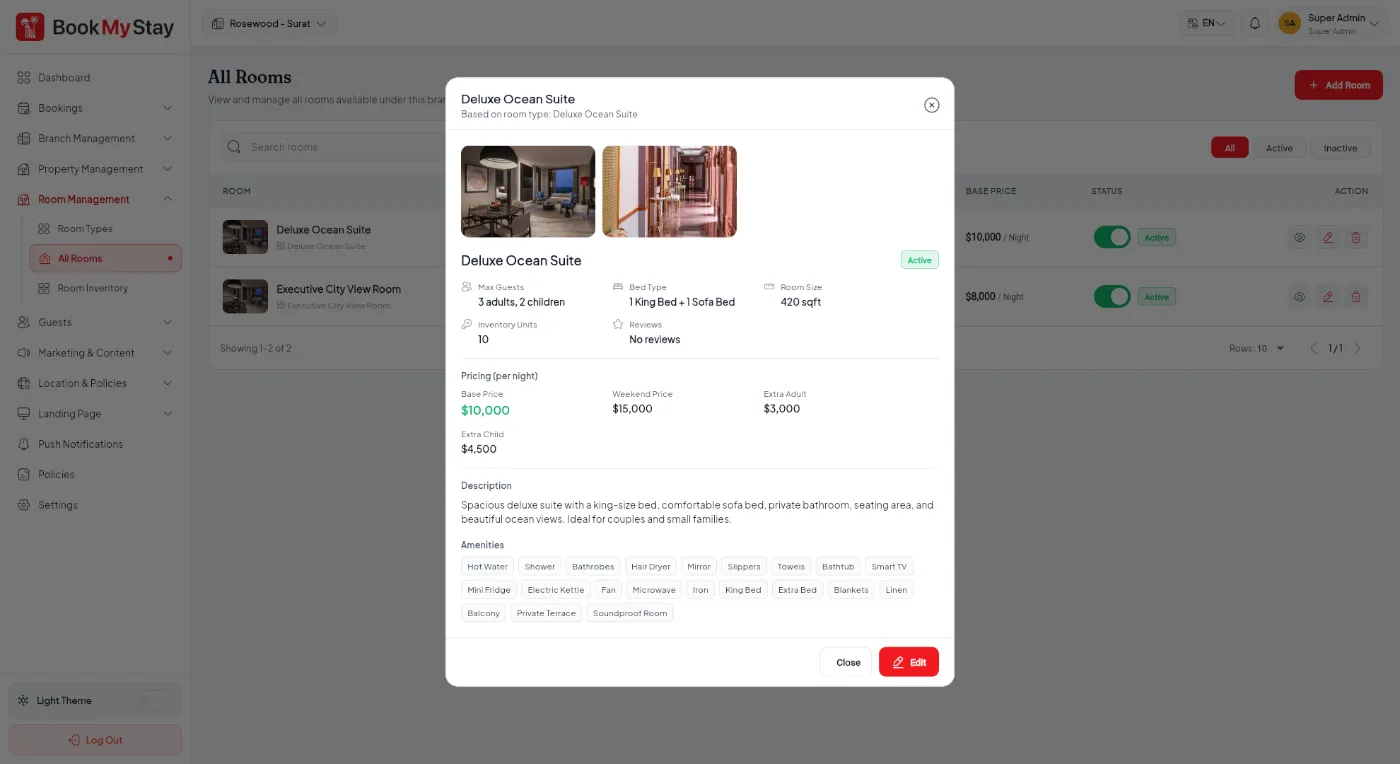
Under Room Management → All Rooms, manage the actual physical rooms assigned to guests during check-in.