

Courses and approvals
The catalogue, and the queue of courses waiting for your decision.
The course list
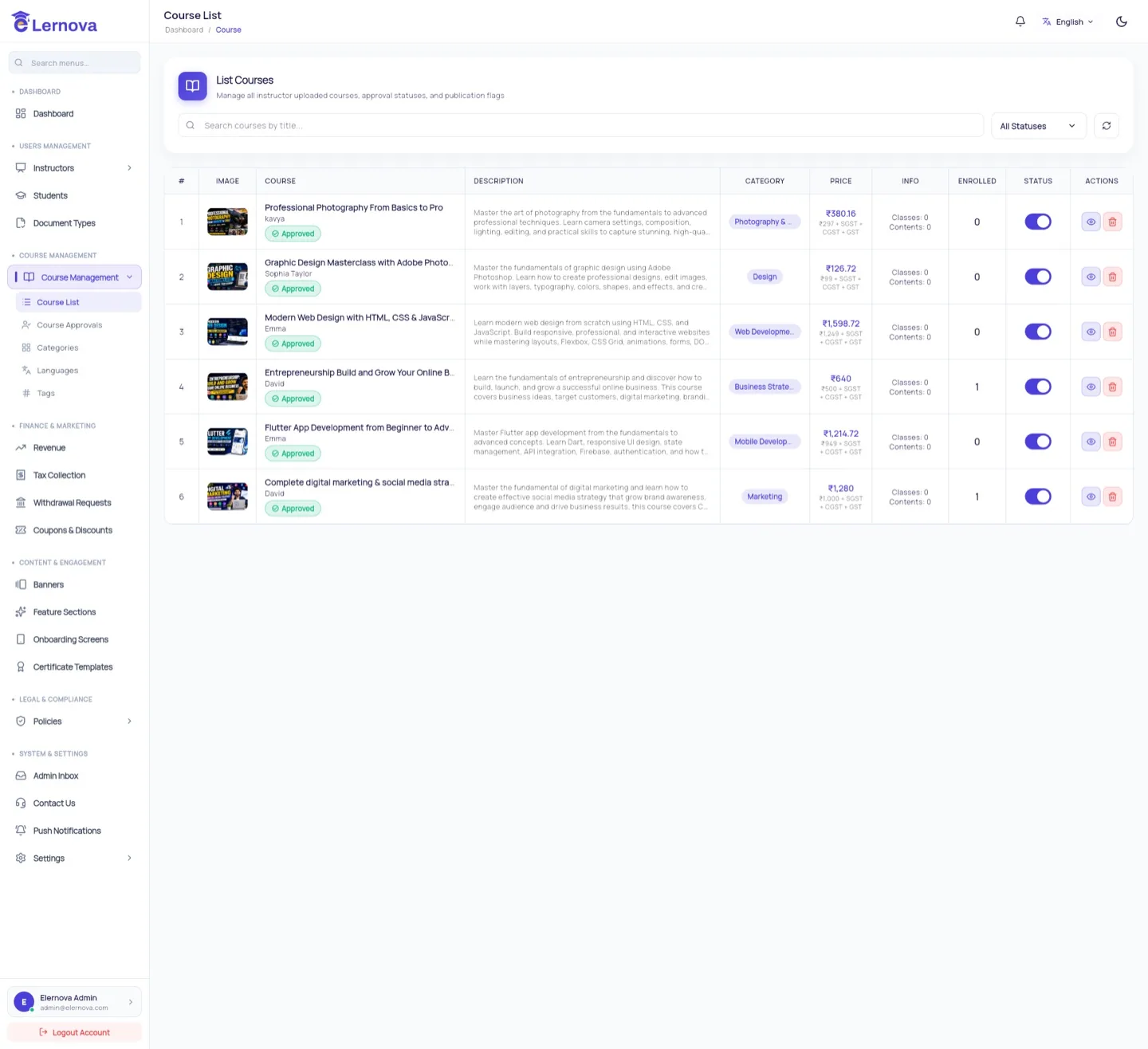
Course Management → Course List shows everything on the platform, published or not, with its instructor, category, price and sales.
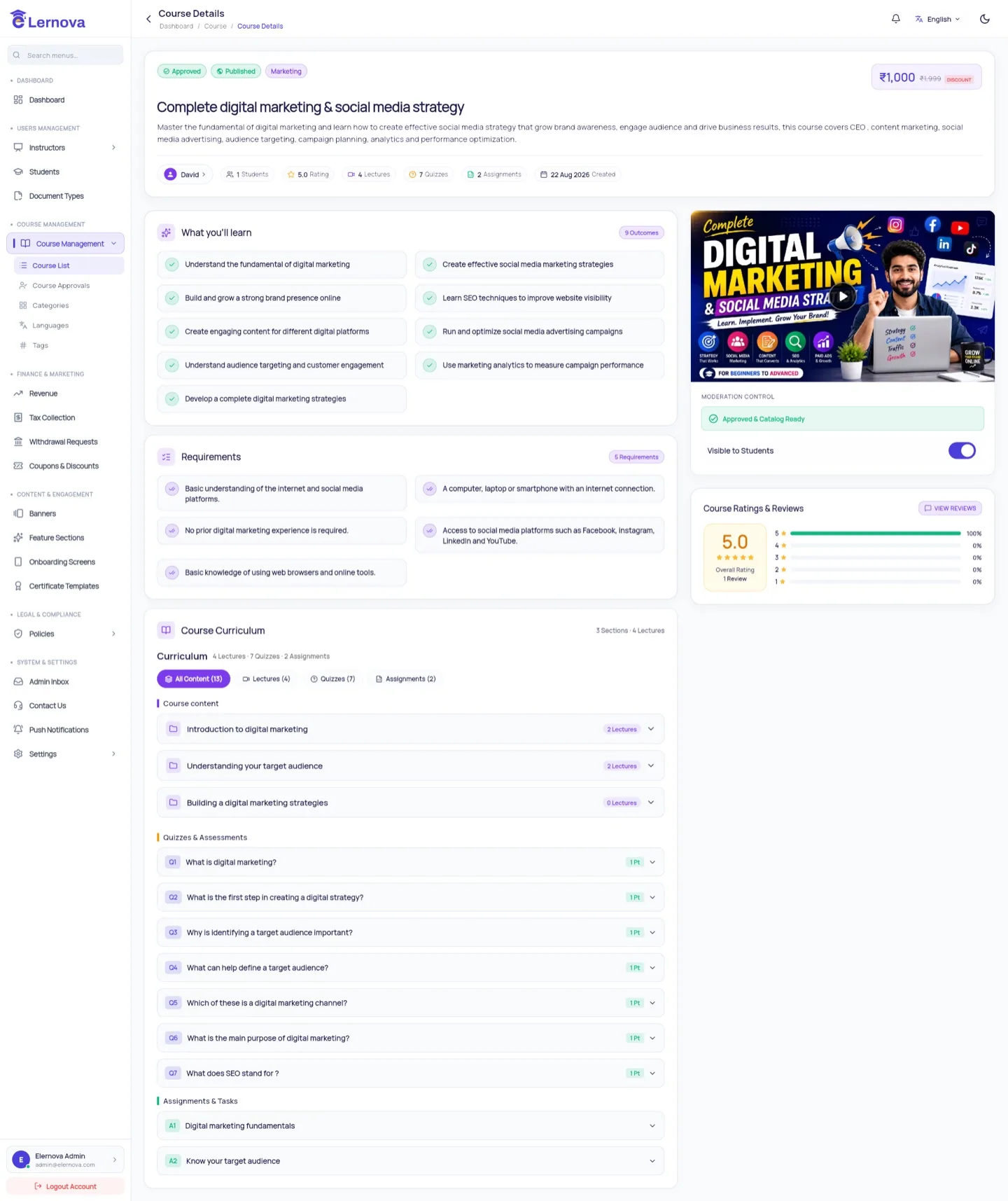
Open a course to see its full curriculum, pricing, enrollments and reviews.
Approvals
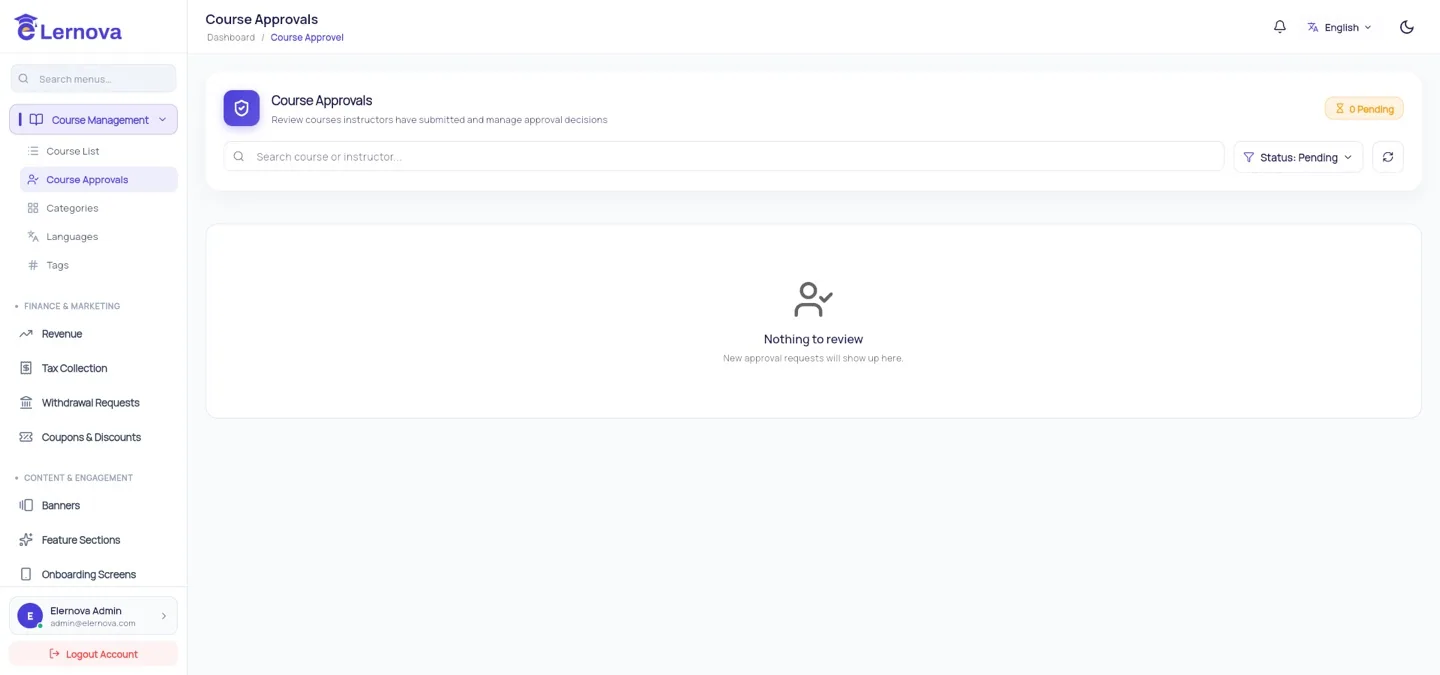
When an instructor submits a course it goes to Course Approvals and stays invisible to students until you act.
A five-minute review checklist
Does the title describe the course honestly? Is the thumbnail readable at card size? Does the description have real structure, not keyword soup? Play the first lecture — is the audio bearable? Is the price plausible for the length? Those five answer almost every approval.
Always write a rejection reason
The instructor sees it and resubmits. A rejection with no explanation usually comes back unchanged, and you review it twice.
What approval changes
| Before approval | After approval |
|---|---|
| Not in search or the catalogue | Listed and purchasable |
| Only the instructor can open it | Anyone can see the course page |
| Cannot be bought | Checkout works |
Unpublishing
You can unpublish a live course at any time. It disappears from the catalogue and cannot be bought — but students who already bought it keep full access. That is deliberate: they paid for it. To remove their access as well you would have to refund them.
Think twice before deleting a course
Unpublishing is reversible; deleting is not, and it orphans the orders and certificates attached to it. Unpublish unless you are certain.