

Students
Accounts, enrollments and purchase history.
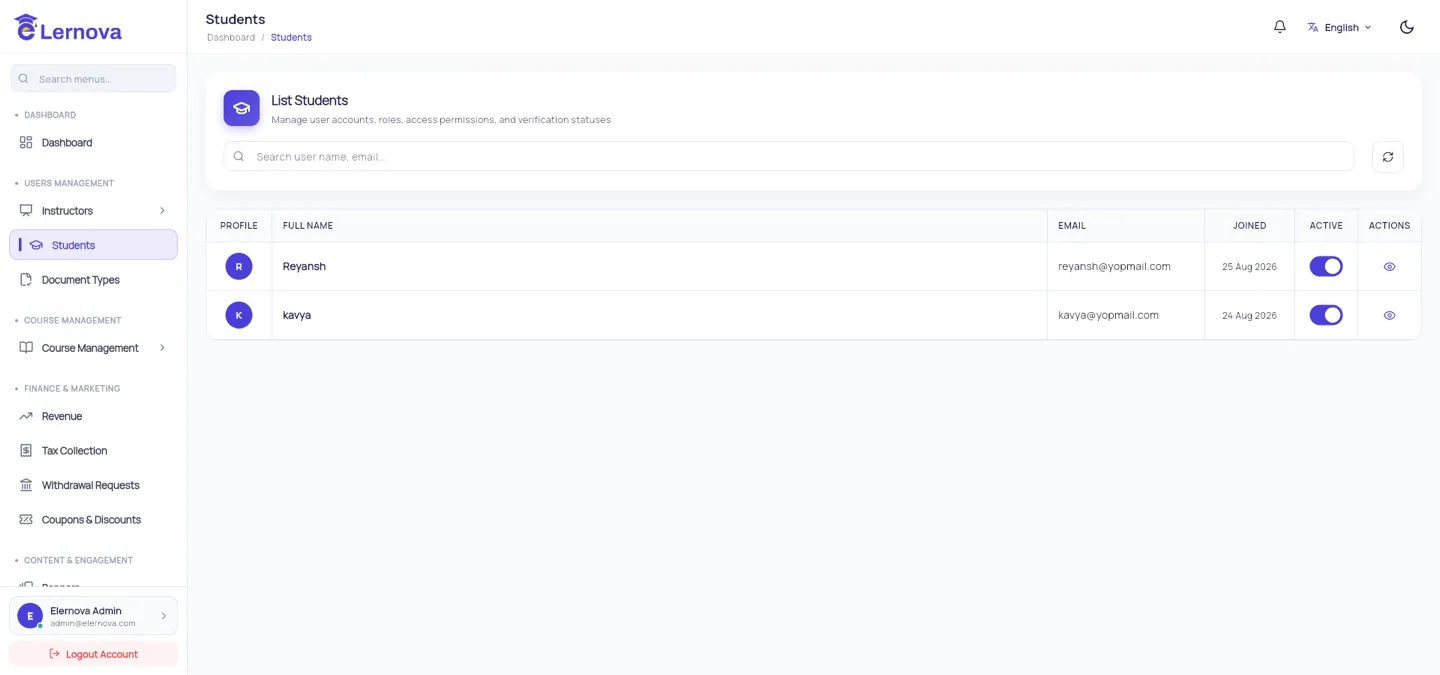
Users Management → Students lists every registered student with their sign-up date, enrollment count and spend.
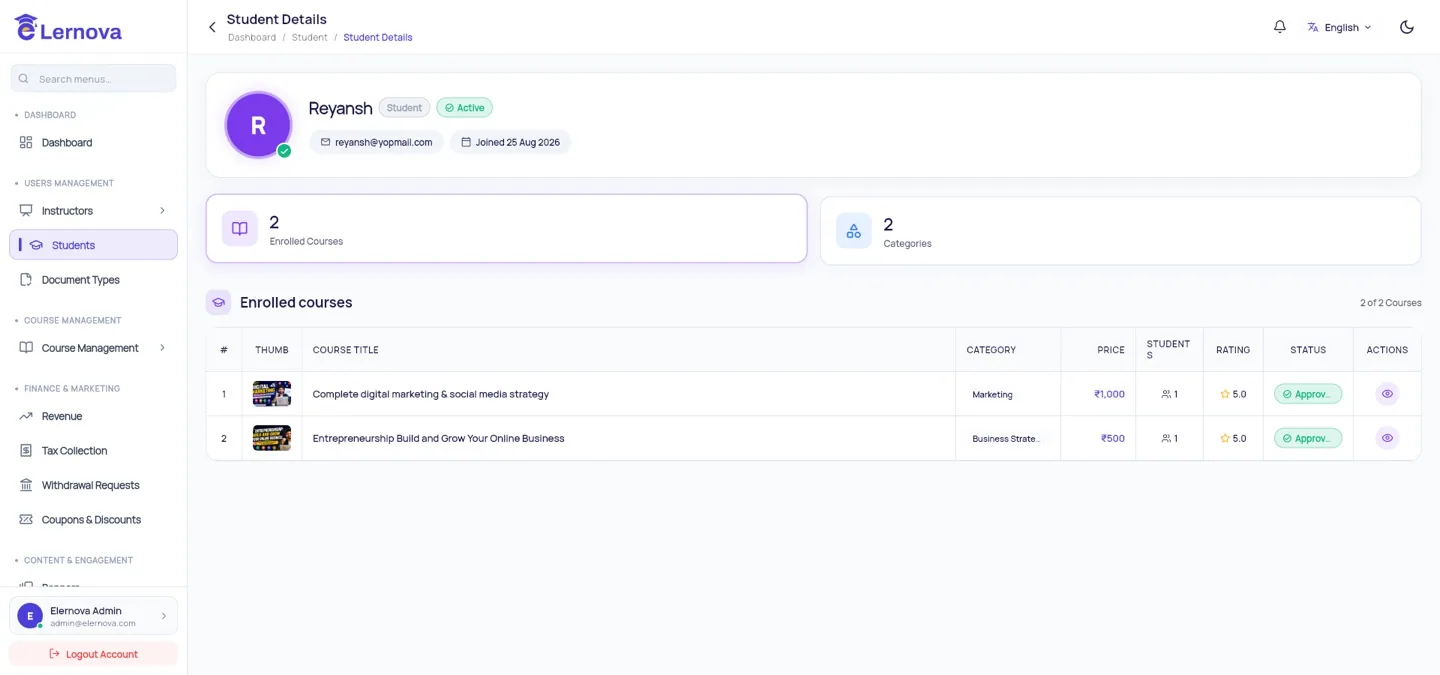
Opening a student shows their courses, progress, orders, certificates and reviews.
What you can do from here
| Action | Effect |
|---|---|
| View enrollments | Which courses they bought and how far they have got |
| View orders | Every purchase with its price, tax and gateway reference |
| Block the account | They can no longer sign in; their data is kept |
Enrollments are granted by the backend, not by hand
There is no "give this student a course" button, because enrollment is written by the Cloud Function that verified the payment. If you want to give a course away, use a 100% coupon — it goes through the same path and leaves a proper order behind.
Account deletion
Students can delete their own account from inside the app, which Apple requires. It removes the profile and signs them out permanently. Order records are kept — you need them for your accounts and your tax return — but they are no longer linked to a live account.
Deleting a student does not refund them
The two are separate. If someone asks to be deleted and refunded, do the refund in your payment gateway first, then let the deletion run.
Supporting a student
Most "I paid and cannot see my course" messages are answered from the student's detail page: check whether an order exists, and whether an enrollment followed it. An order with no enrollment means payment verification failed — the function logs will say why.