

Sending your own notifications
One-off announcements to everyone, or to one group.
System & Settings → Push Notifications writes and sends a notification yourself, separately from the automatic ones.
| Field | Meaning |
|---|---|
| Title | The bold line. Keep it under about 40 characters |
| Message | The body. Two short sentences at most — phones truncate |
| Audience | All users, students only, or instructors only |
| Link | Optional: open a course or a screen when tapped |
| Schedule | Send now, or at a chosen time |
A badly timed broadcast costs you installs
This reaches every phone at once. Sent at 3am in a time zone you forgot about, it is the notification that makes people uninstall. Check who your audience actually is before you schedule, and keep broadcasts rare.
Scheduled sends
A scheduled notification is picked up by the deliverScheduledPushNotifications function, which runs on a timer — so delivery is close to the chosen time, not to the second. If nothing arrives at all, check the functions are deployed.
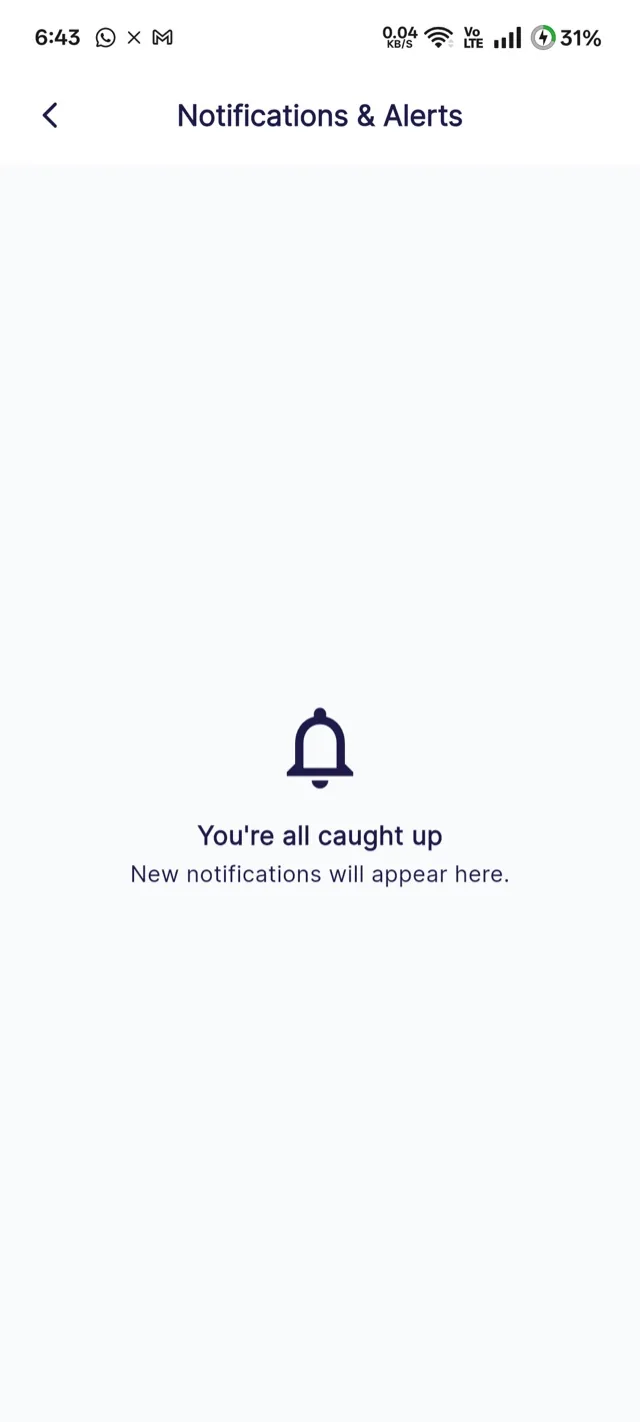
What students see
Good reasons to broadcast
A genuinely new course in a popular category, a discount with a deadline, planned downtime, or a change to your terms. Not: weekly "check out our courses!" messages, which train people to swipe your notifications away without reading.
Automatic notifications
Purchases, approvals, reviews, marking and payouts all notify on their own. Which ones, and to whom, is Notification settings.