

Customer App
Customer App & Website
What your customers see: a home screen you design, Quick and eCommerce shopping, live tracking, wallet, returns and more. The same project also builds the customer website.
The customer app (folder customer/) runs on Android, iOS and as the customer website. Everything it shows comes from your admin panel: products, home screen, colours, languages, payment methods and sign-in options.



Sign in#
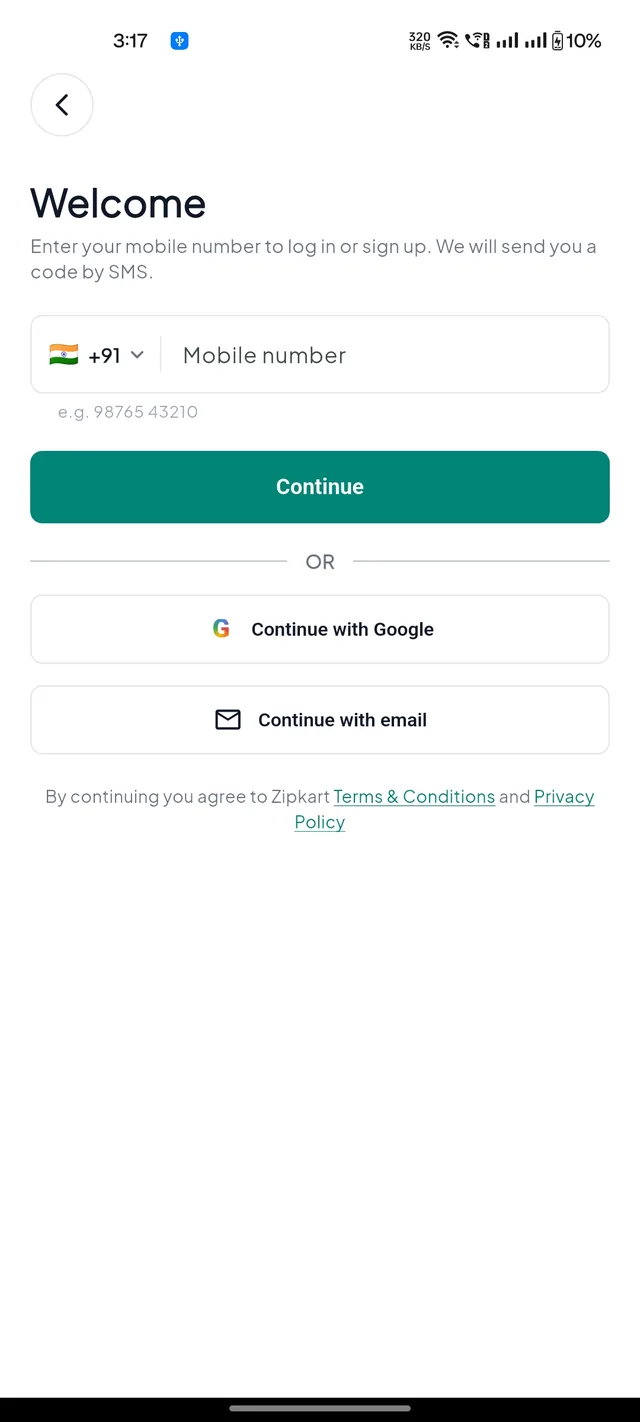
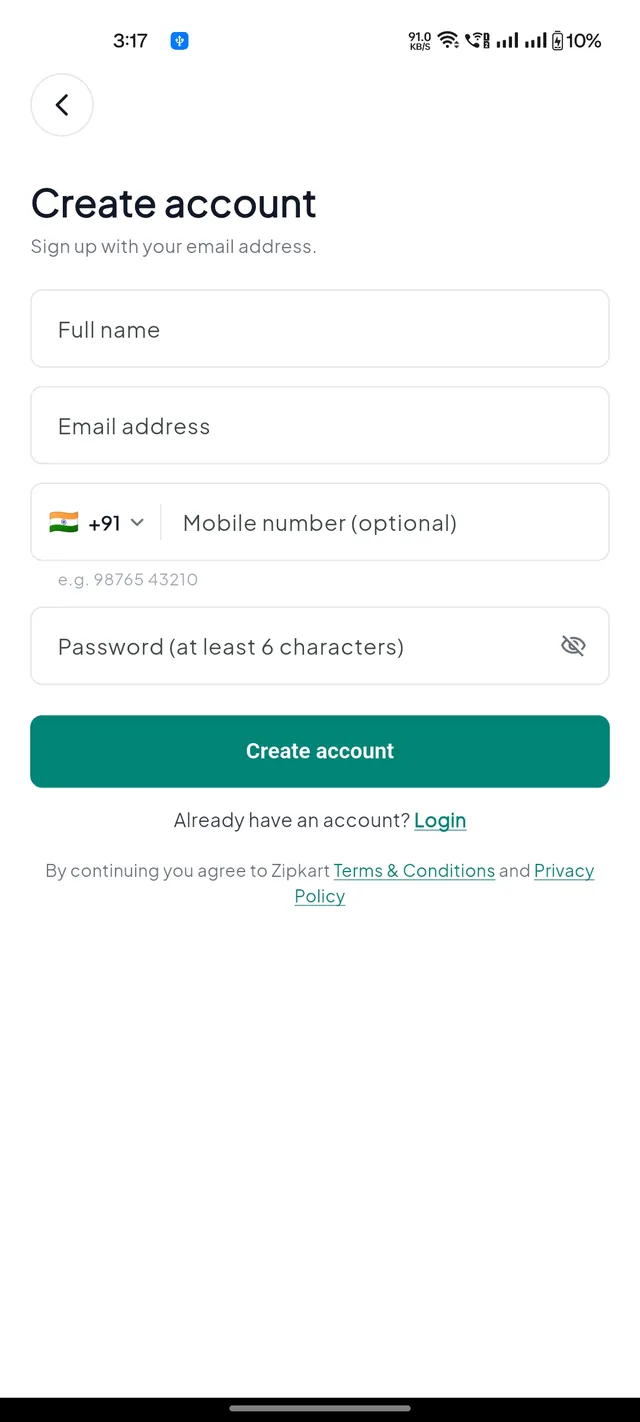
Customers sign in with the methods you switch on in Login Settings: phone number with an SMS code, email and password, Google, or Apple (iPhone only).
Shop, pay and track#
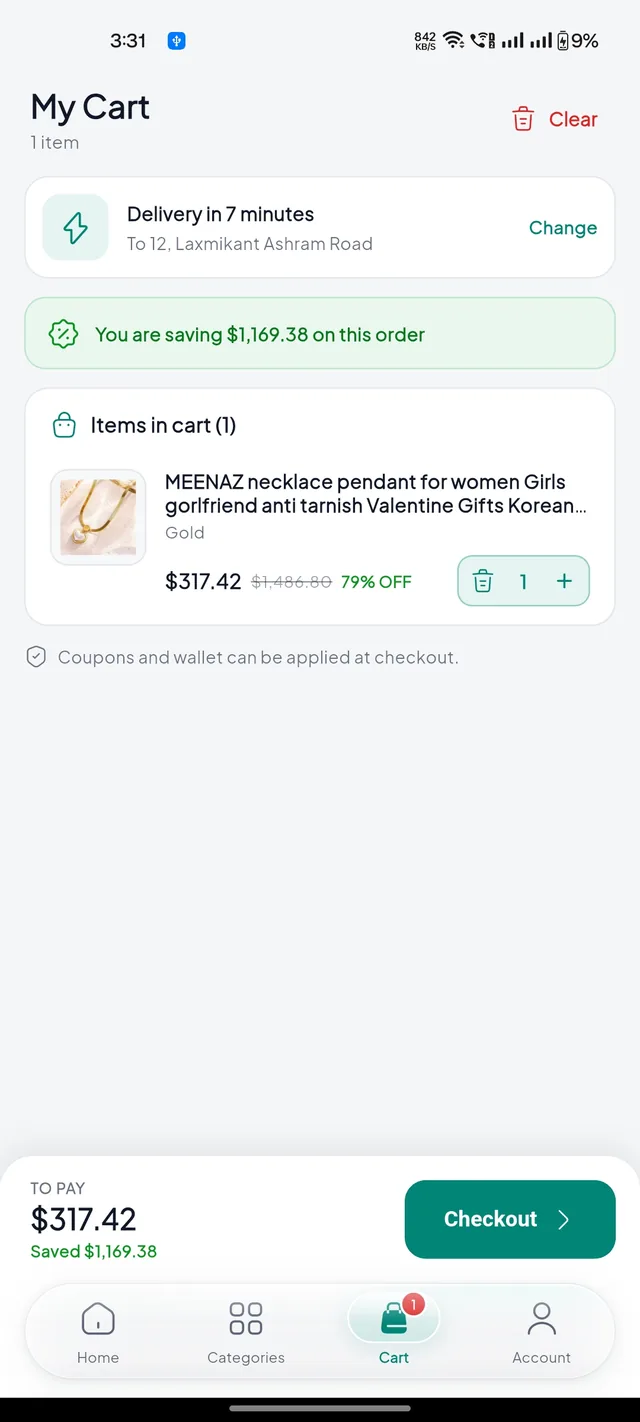


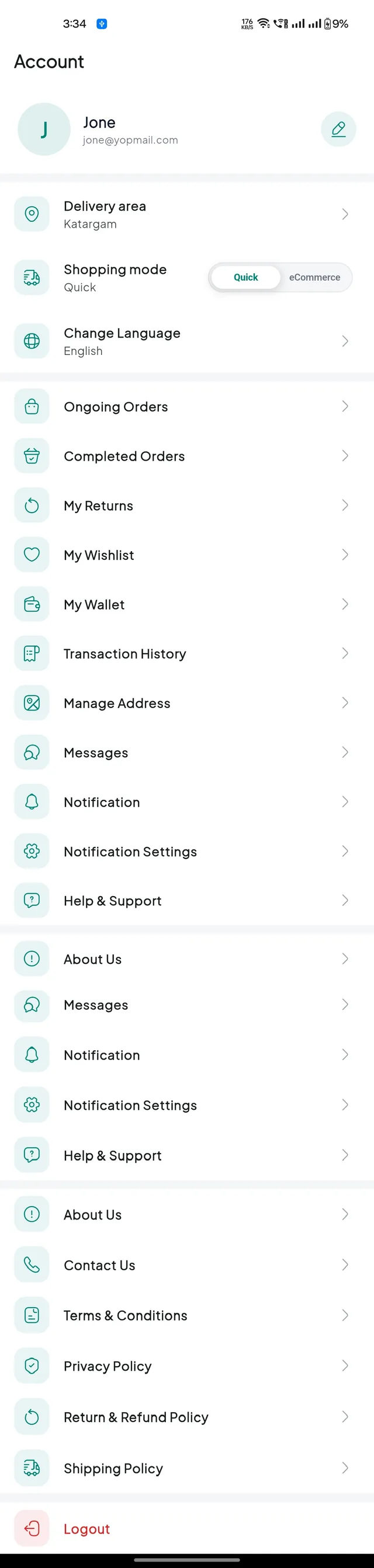
- Two ways to shop. The Quick / eCommerce switch at the top changes the catalogue, the home screen and the delivery promise.
- Delivery or pickup. Customers can collect from the store with a pickup code when you allow self pickup.
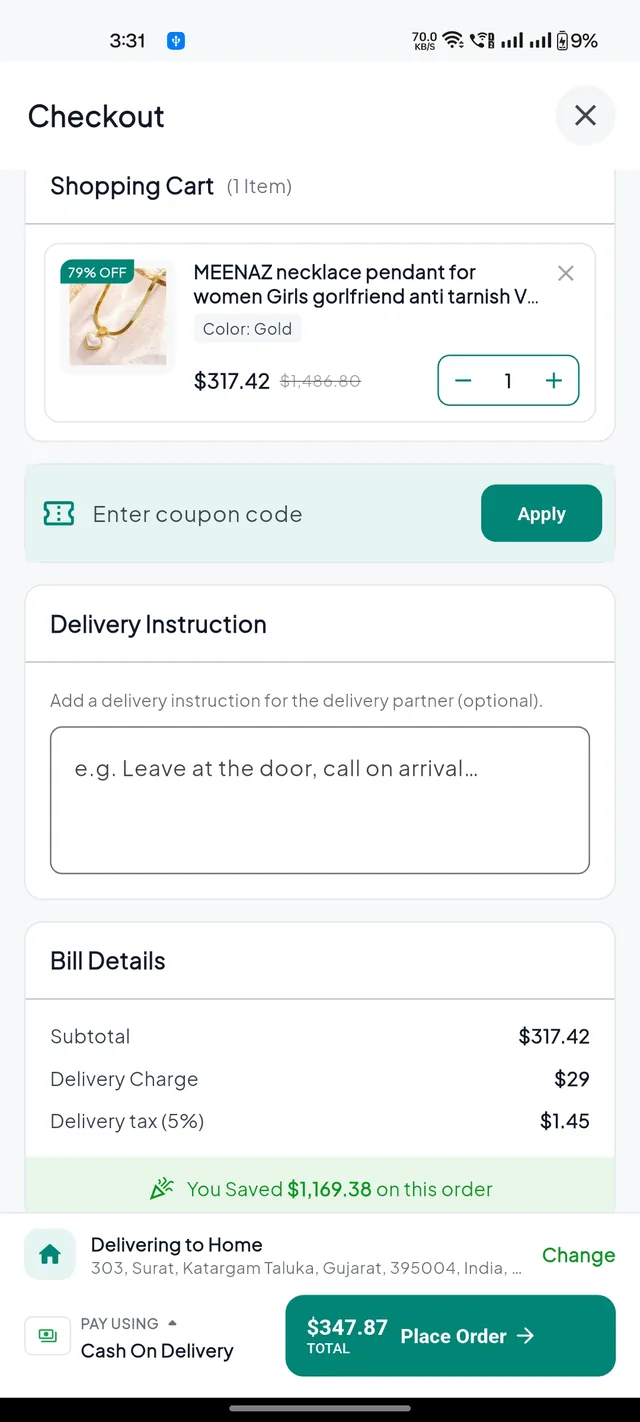
- Pay by cash on delivery, wallet, or any payment gateway you turned on.
- Track the rider on the map. The customer gives the rider a 4-digit delivery code to complete the order.
After the order#


| Feature | What the customer can do |
|---|---|
| Orders | Ongoing and completed orders, invoice download, cancel with a reason, rate and review |
| Returns | Pick items, a reason and photos or a video. Follow pickup and refund. |
| Wallet | Refunds and cashback arrive here. Add money online or withdraw to a bank account. |
| Wishlist & stock alerts | Save products, and get a push when an out-of-stock product is back |
| Addresses | Several saved addresses picked on the map |
| Chat | Chat with the store about an order |
| Language | Switch language; right-to-left languages flip the layout |
The customer website#
The same code runs in the browser with a desktop layout. Build and publish it with the other websites: Deploy the websites.
