

Delivery Boy App
How riders sign up, go online, accept orders, deliver with a code, collect returns and get paid.
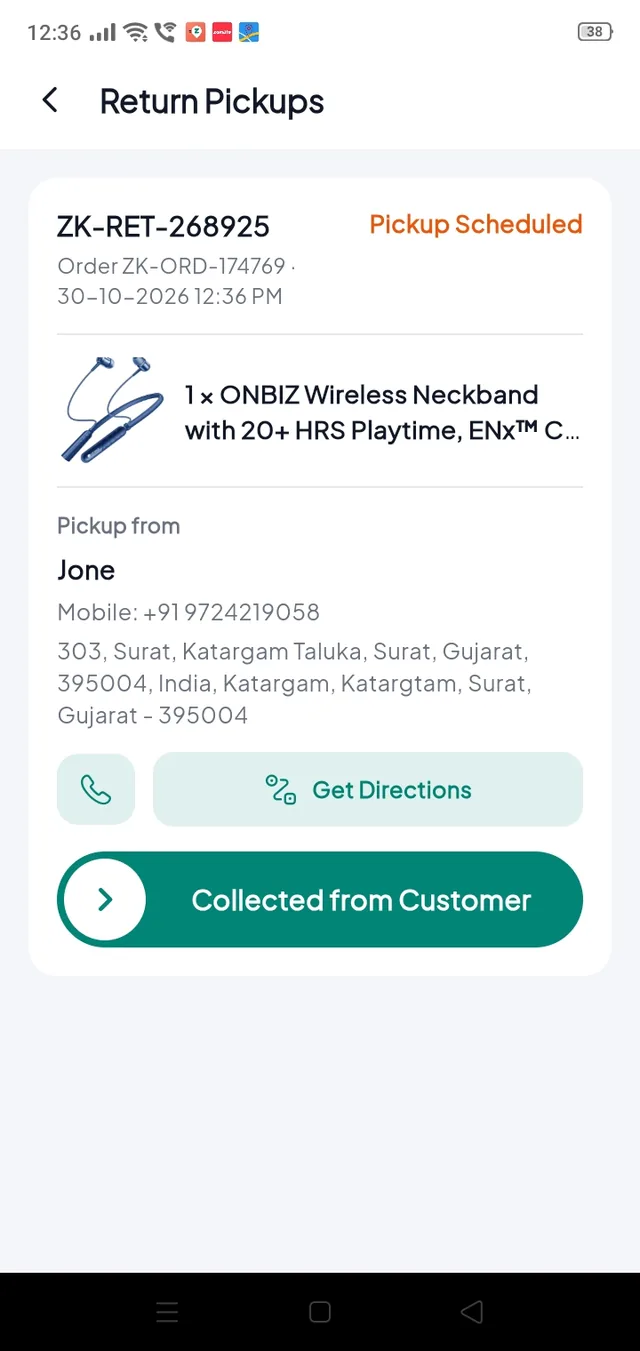
The delivery boy app (folder driver/) runs on Android and iOS. Riders sign up in the app, you approve them in Delivery Boys, and from then on orders come to them automatically.
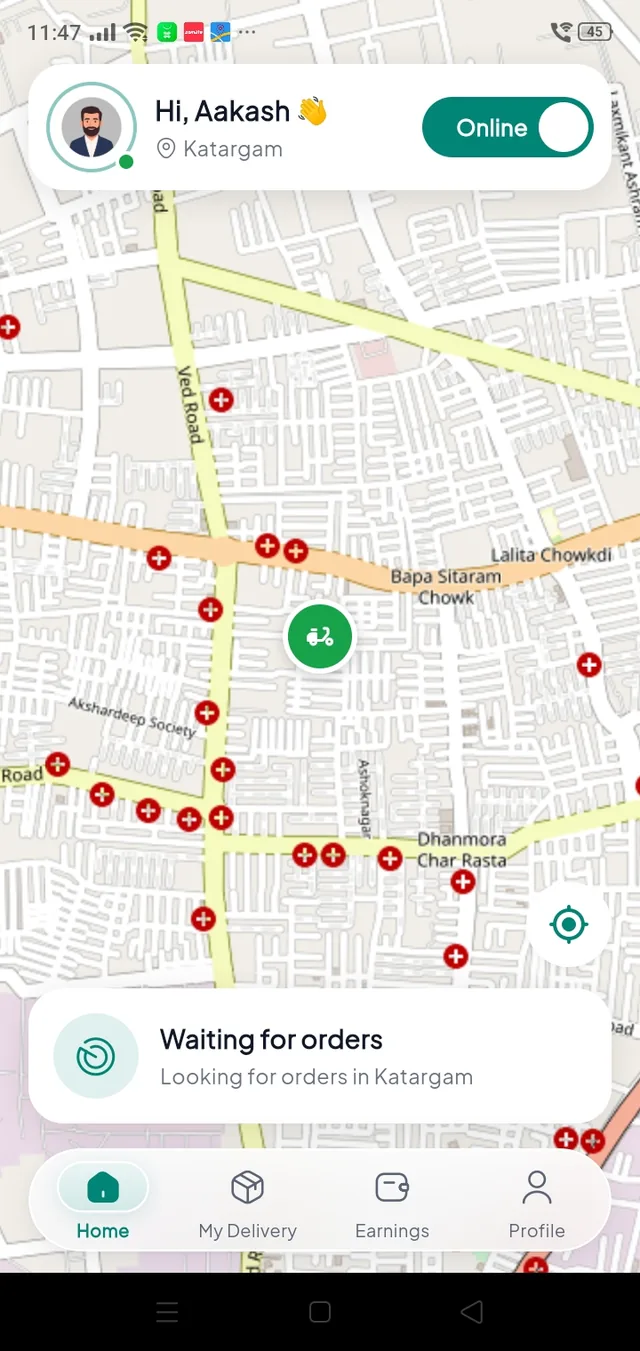
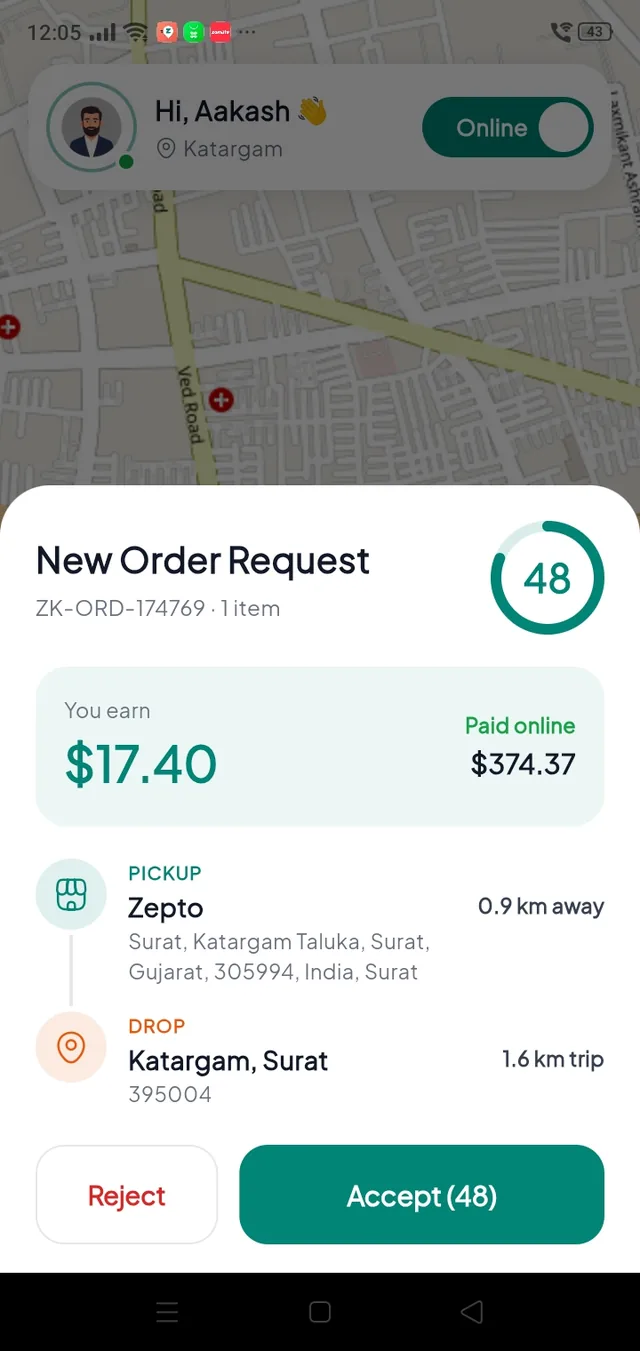
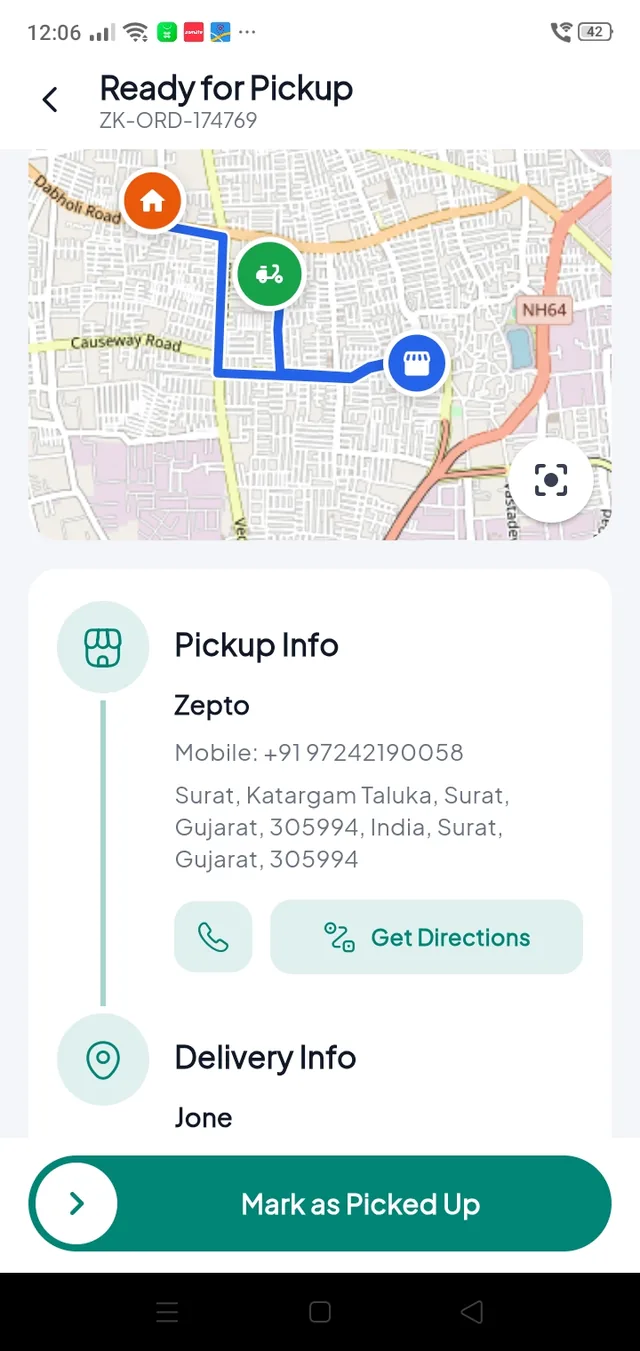
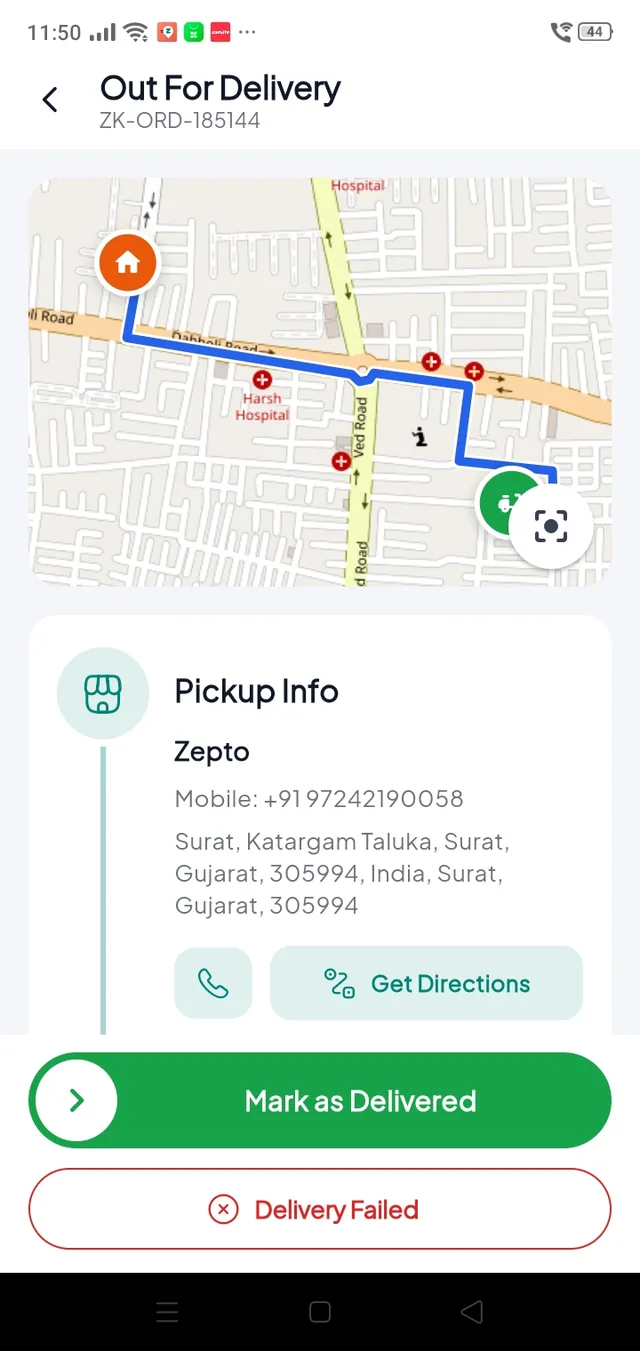
From sign-up to the first order#
Sign up#
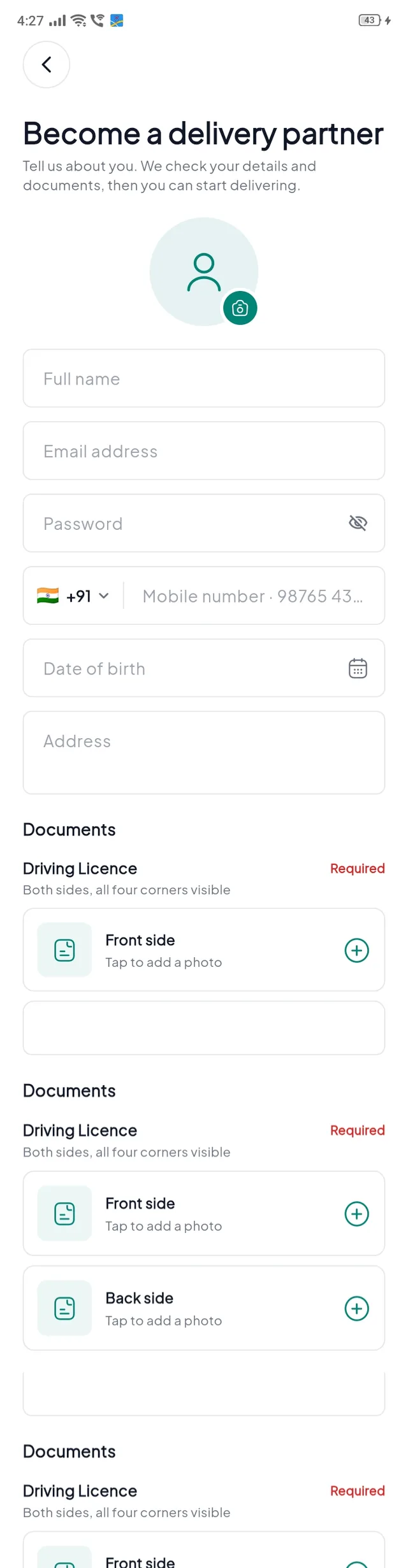
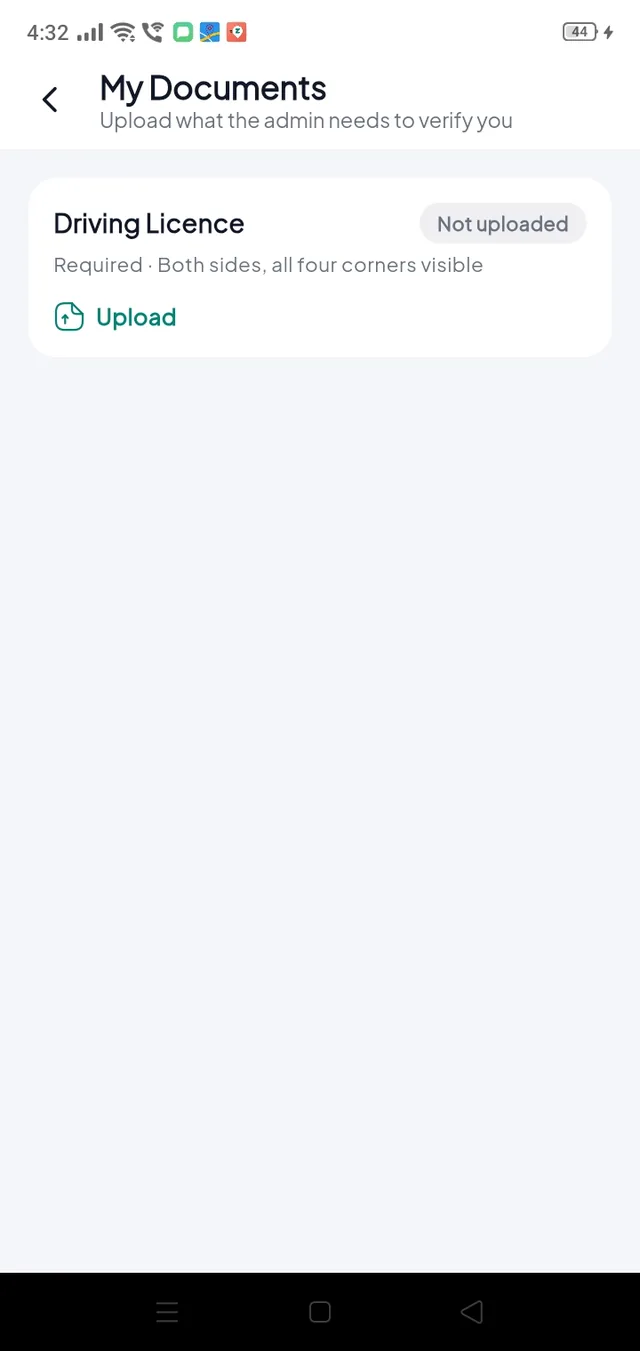
The rider taps Become a delivery partner, fills in their details and uploads the documents you ask for. Sign-in methods follow your Login Settings.
Get approved#
You approve the rider in Delivery BoysDelivery Boy Requests. The rider can now sign in.
Go online#
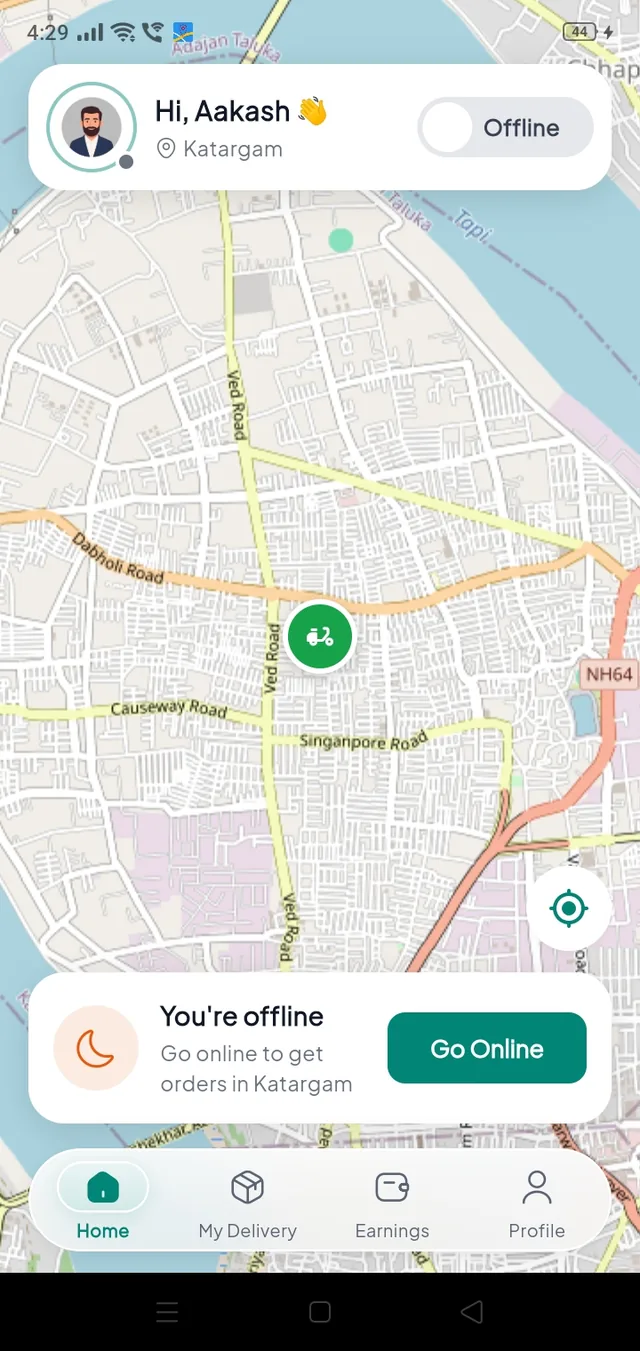
The rider taps Go Online. Their wallet must hold at least the minimum you set (default 100).
Accept, pick up, deliver#
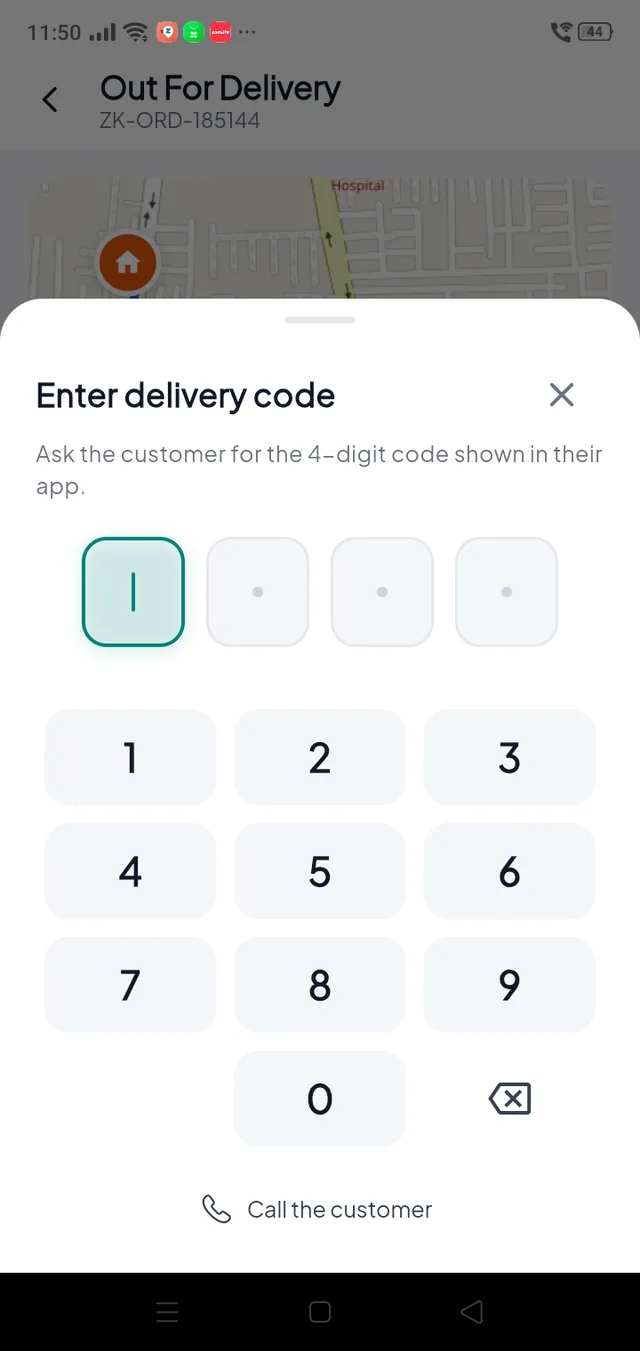
An order request rings like a call, even on a locked phone, with what the rider earns and the distances. The rider accepts, picks up at the store, and finishes with the customer's 4-digit delivery code.
Earnings and wallet#

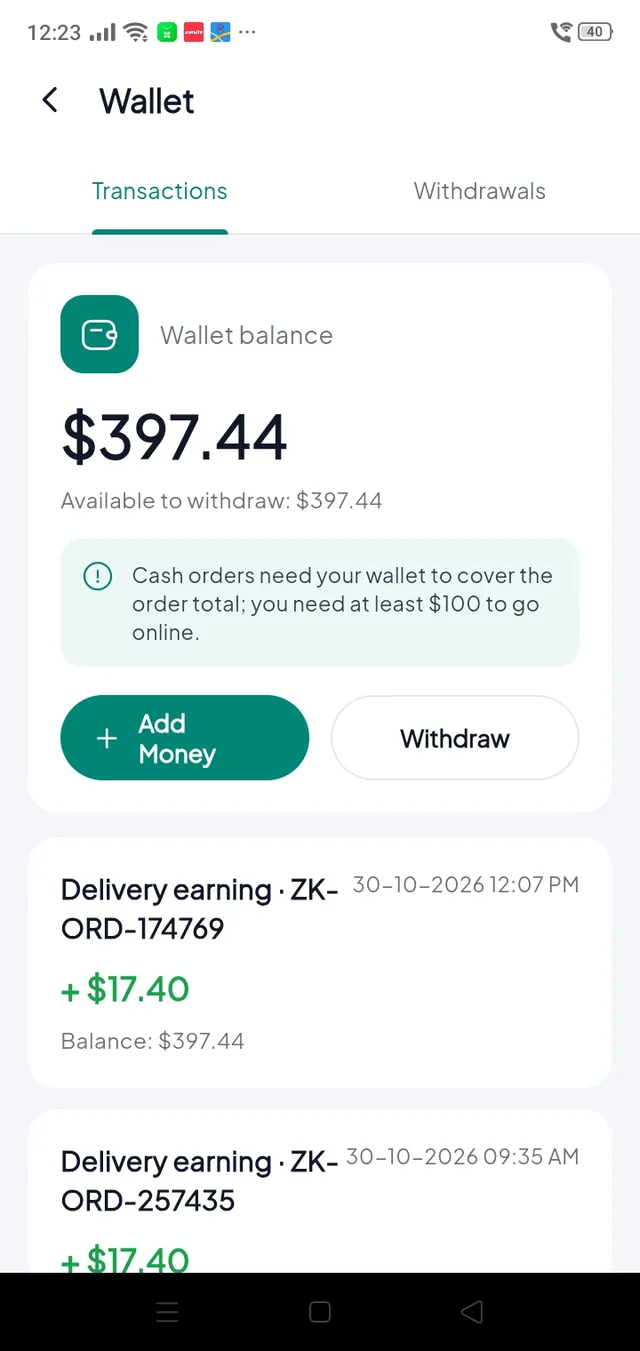
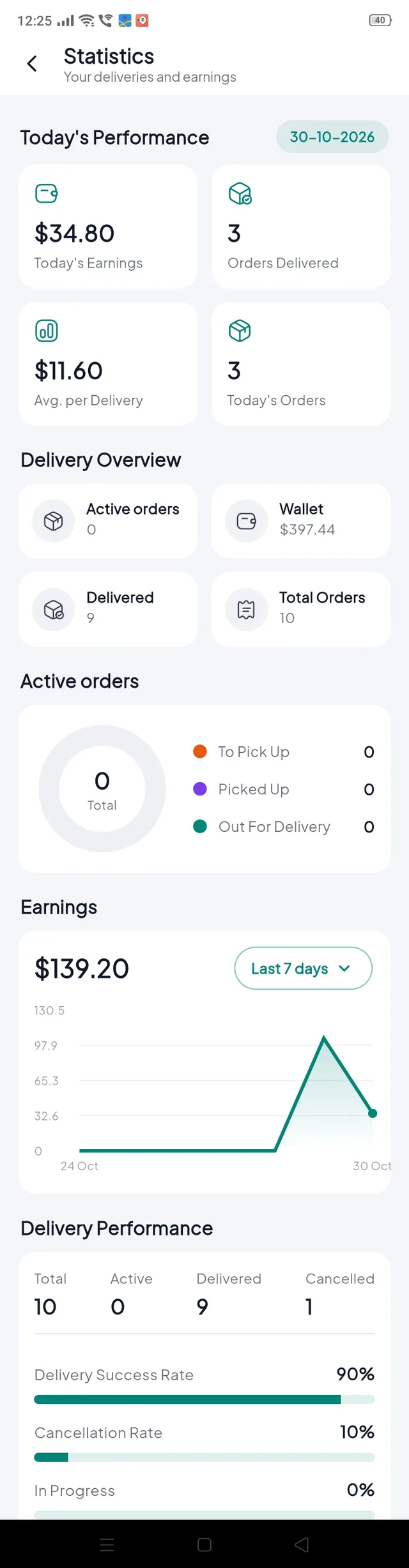
- Every delivery adds the rider's share of the delivery charge to the wallet.
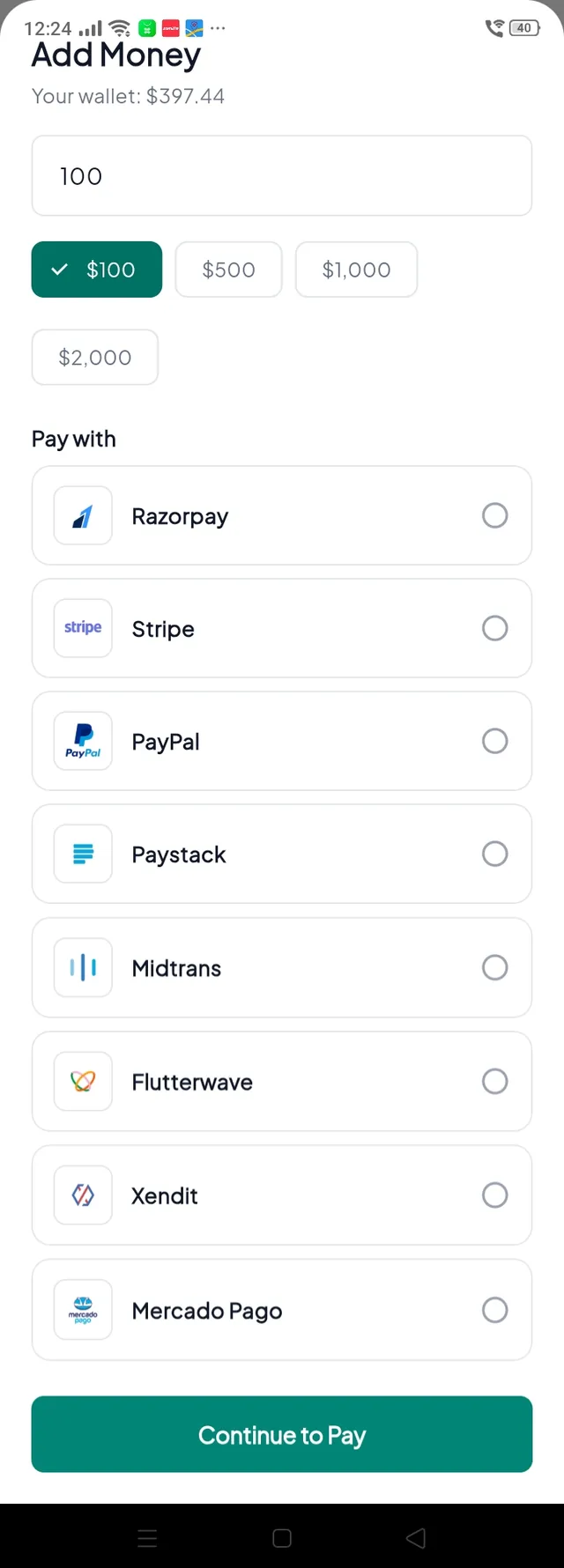
- Cash collected from a customer is taken from the wallet, because the rider now holds your money. Riders top up online or hand you the cash.
- Riders withdraw to their bank account. You pay out in Delivery BoysWithdrawal Requests.