

Store App & Store Panel
Where each store accepts orders, packs them, lists products, handles returns and sees its earnings. On the phone and in the browser.
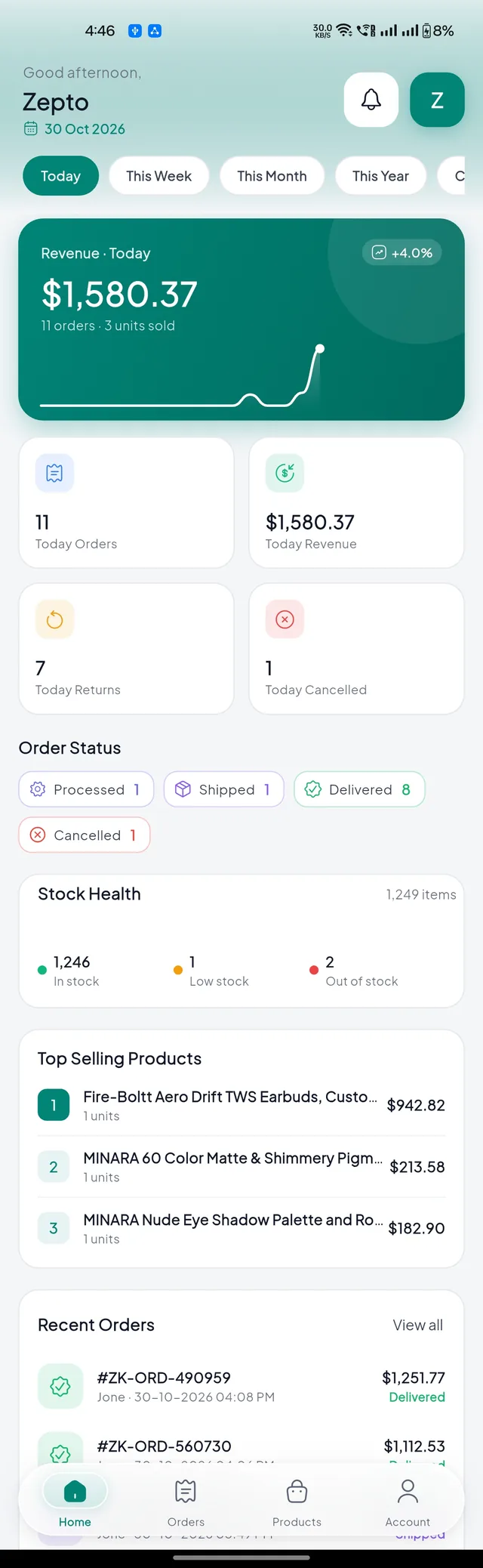
The store app (folder store/) runs on Android, iOS and as the store panel website. Store owners and their staff sign in with the email and password you created for them in Stores. There is no sign-up.


How a store handles an order#
The order rings#
A new Quick order rings with the order sound on the phone and in the panel. It also shows on the dashboard.
Accept and pack#
The store taps Accept (or Reject with a reason), prints the Invoice and Packing Slip, and packs the order.
Hand it to the rider#
For Quick orders Zipkart finds the nearest free rider automatically. The store can also Search again or assign one of its riders. The rider picks up with the order code.
Done#
The customer gives the rider the delivery code. The store's earning appears in Earnings & Payouts.
Products and stock#
Stores sell from your catalogue: Add from Catalogue picks a product you created and sets the store's own price and stock. A store can also add a new product in four steps: category, details, variants, review.


Returns, staff and reports#


| Screen | What the store does |
|---|---|
| Return Requests | Approve or reject, schedule a pickup (your rider or the customer drops it off), mark received, refund to the customer's wallet |
| Self Pickup | Hand over orders when the customer shows the pickup code |
| Staff Accounts | Add staff logins and tick which screens each one can open |
| Store Settings | Opening hours, preparation time, contact details |
| Reviews | Read and reply to product reviews |
| Chat | Talk with customers, delivery boys and you |
| Earnings & Payouts | Earnings per order and payout requests. You pay them in StoresStore Payouts. |
The store panel in the browser#
Everything above also works on a computer at your store panel address.
